AI CFO
An AI finance assistant that runs on your iPhone
Ask anything about your money in plain language and get a real answer in seconds. thrust’s AI runs with on-device intelligence, so your transactions are never shipped to a server to be analyzed. It works even in airplane mode.
iOS 26+ · Free to download
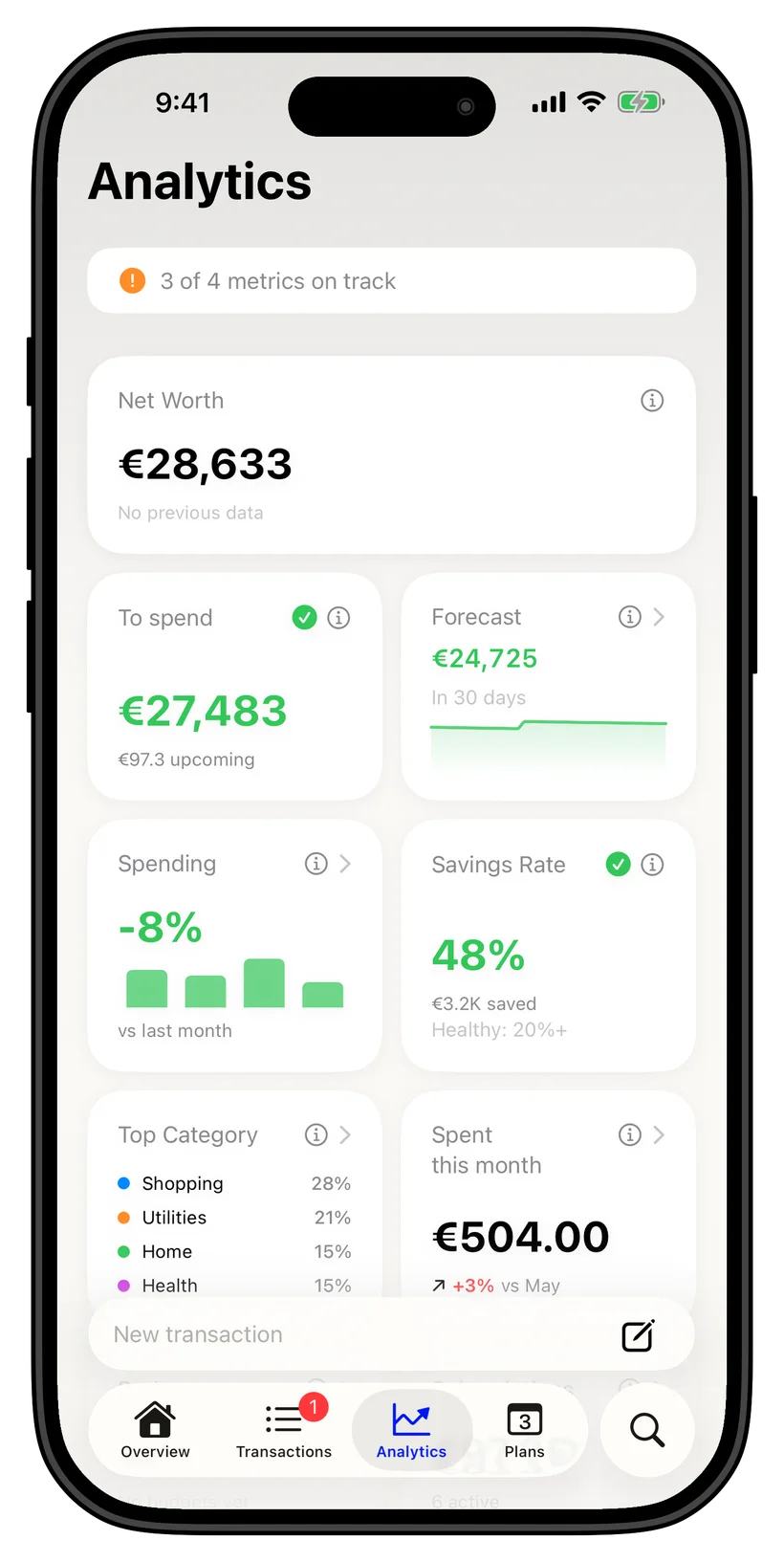
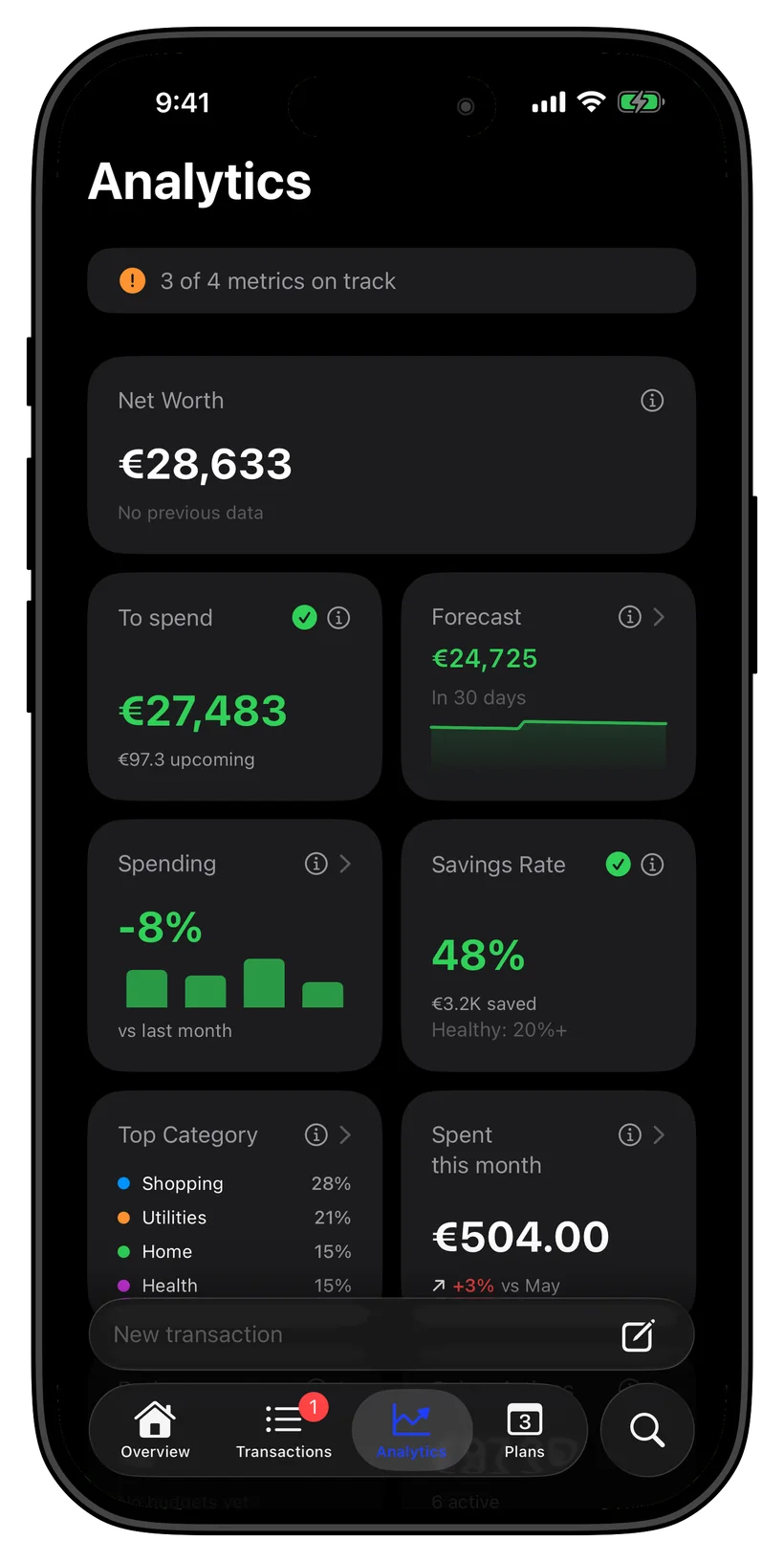
Ask anything, by text or voice
Type or speak a question the way you would ask a person. How much did I spend on eating out, can I afford this, where is my money going. thrust reads your own data and answers in plain language, turning a finance app into something closer to a CFO who knows your numbers.
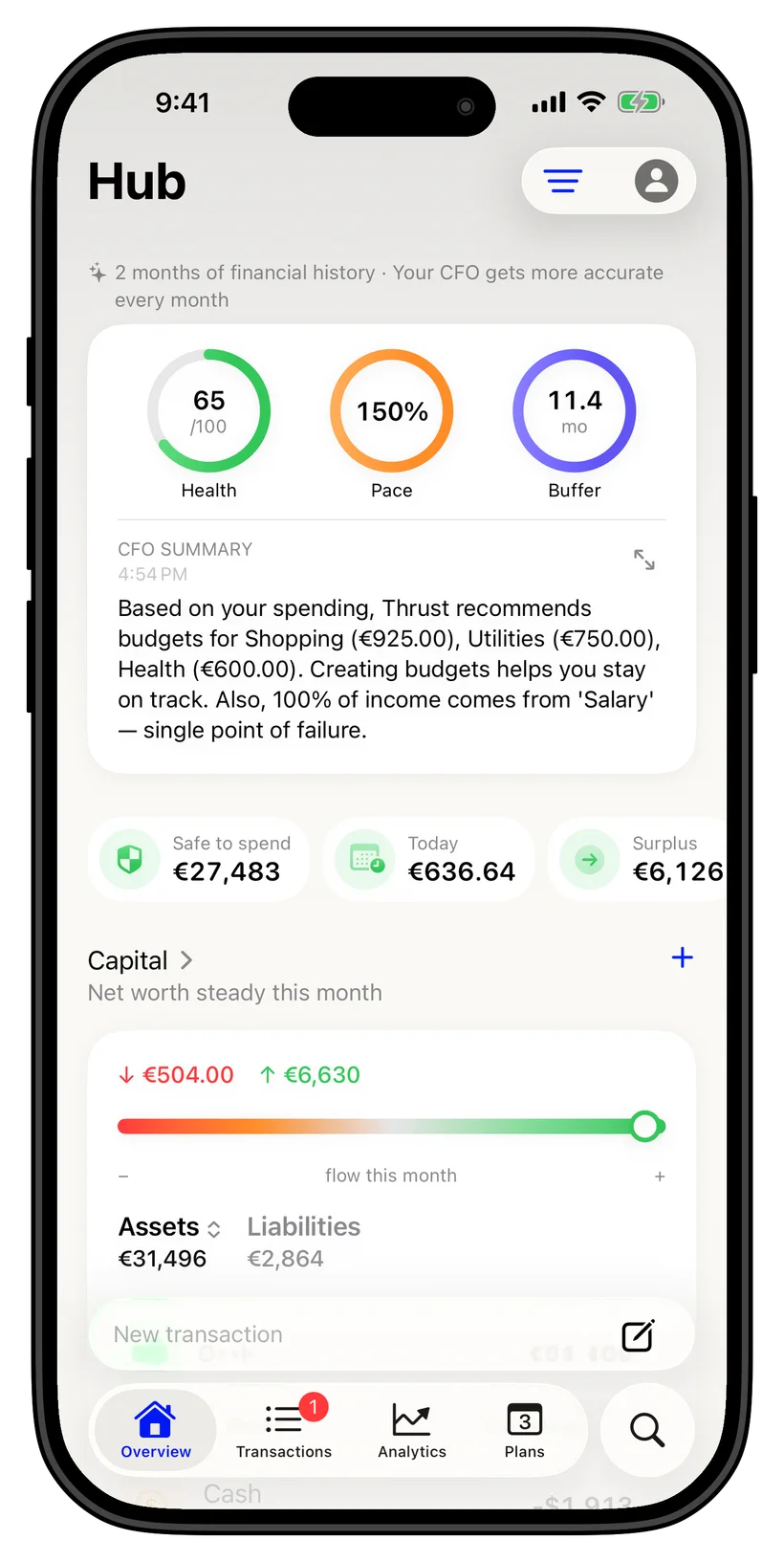
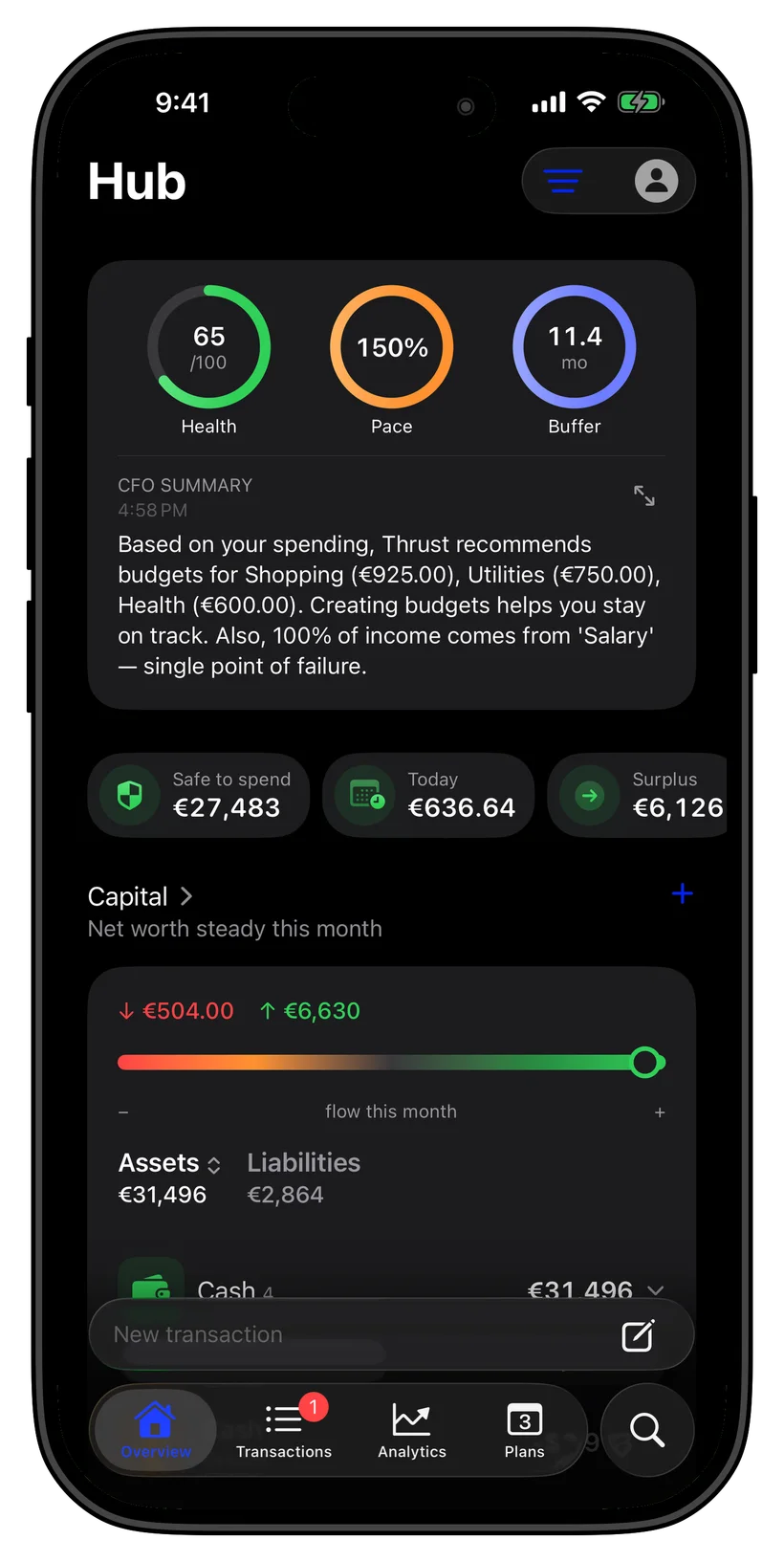
The AI runs on-device, not in the cloud
This is the part most assistants get wrong. Other apps send your transactions to a remote server to generate answers. thrust runs an on-device AI, so the analysis happens on your iPhone and your financial data never makes the trip. Smart and private are not a trade-off here.
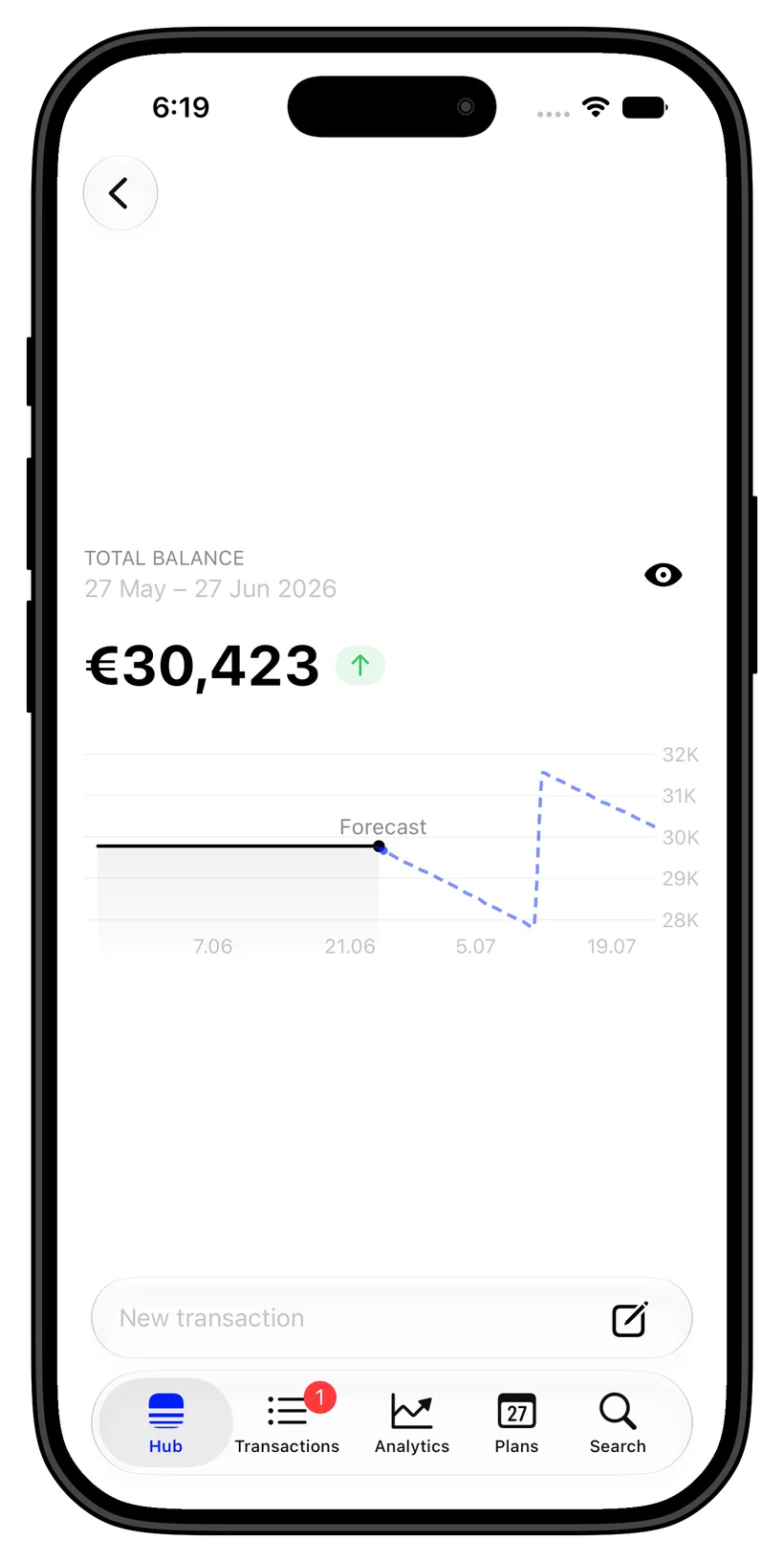
Works offline, even in airplane mode
Because the intelligence lives on your device, you do not need a connection to use it. Ask a question on a plane, on the subway, or with the network off, and thrust still answers. The assistant is always available because it never depended on the cloud in the first place.
Guidance, not just charts
Most apps stop at dashboards and leave the thinking to you. thrust goes further, explaining what changed, flagging where a budget is heading, and answering the follow-up questions a chart cannot. It is the difference between data and advice.
Private by design
The assistant only ever sees the data already on your iPhone, stored in an encrypted database with no bank login required. There is no account, no upload, and no server log of your questions. What you ask and what you own both stay on the device.
Ask anything
Just ask, on your iPhone
FAQ
Common questions
Does the AI send my data to the cloud?
No. thrust’s AI runs on-device, so the analysis happens on your iPhone and your transactions are never uploaded to a server. Other finance assistants ship your data off the device to answer; thrust does not.
Does the AI assistant work offline?
Yes. Because the intelligence runs on your iPhone, you can ask questions and get answers with no connection at all, even in airplane mode. The assistant does not depend on the cloud.
What can I ask the AI?
Ask about spending, budgets, net worth, whether you can afford something, or why a number changed, in plain language by text or voice. thrust reads your own data and answers like an assistant that knows your finances.
Is my transaction history uploaded for analysis?
No. The analysis runs on your iPhone and works offline. thrust does not upload your transaction history to the internet for financial analysis.
Does the AI assistant work offline?
Yes. AI analysis runs on your iPhone without an internet connection. It uses the accounts and transactions you add to thrust.
Is the AI assistant free?
thrust is free to download with a free tier covering up to 5 accounts, 3 budgets, and 3 savings goals. thrust Pro unlocks higher limits and the full set of advanced features.