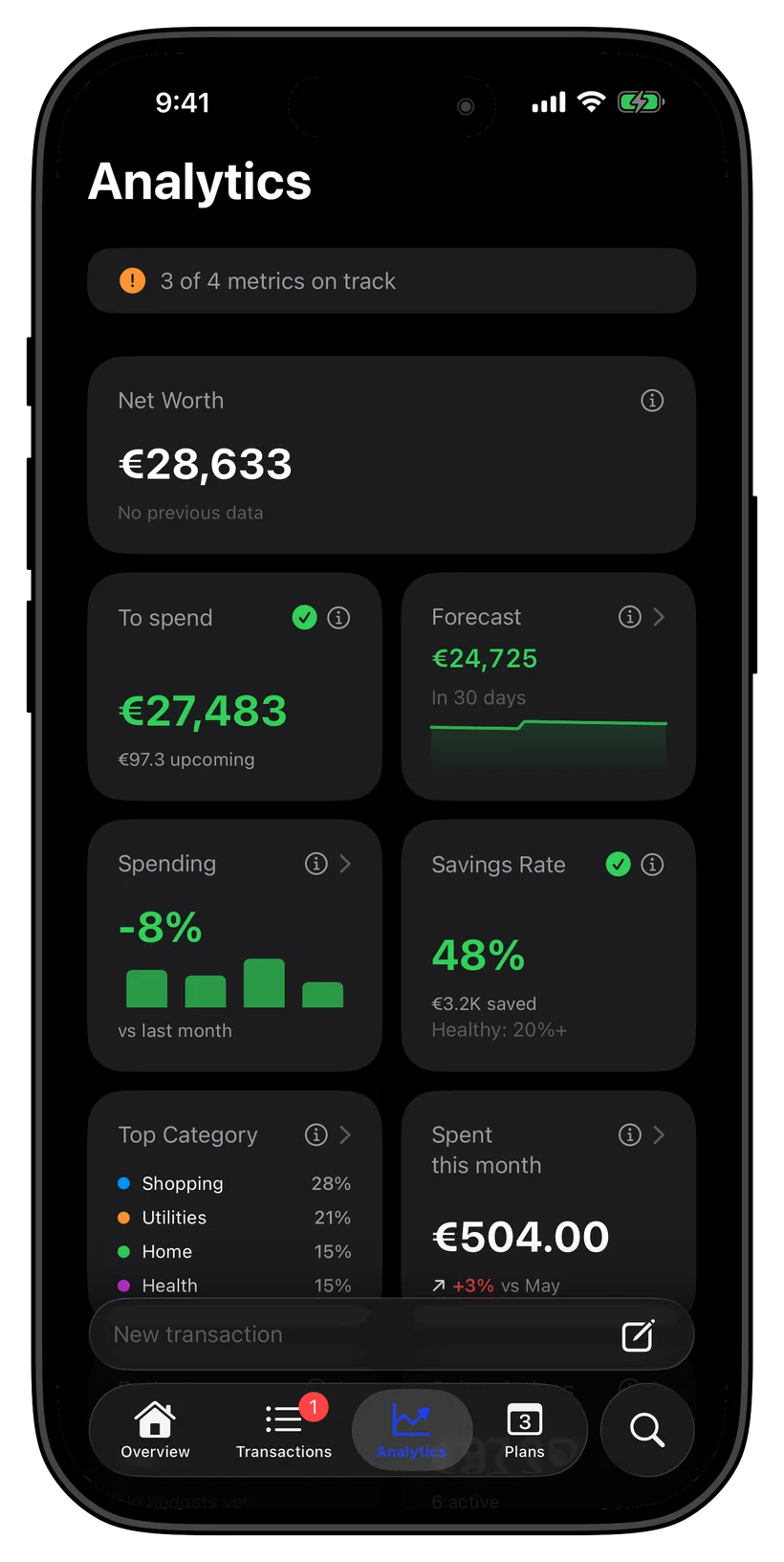
See all your money. Know what you can spend.
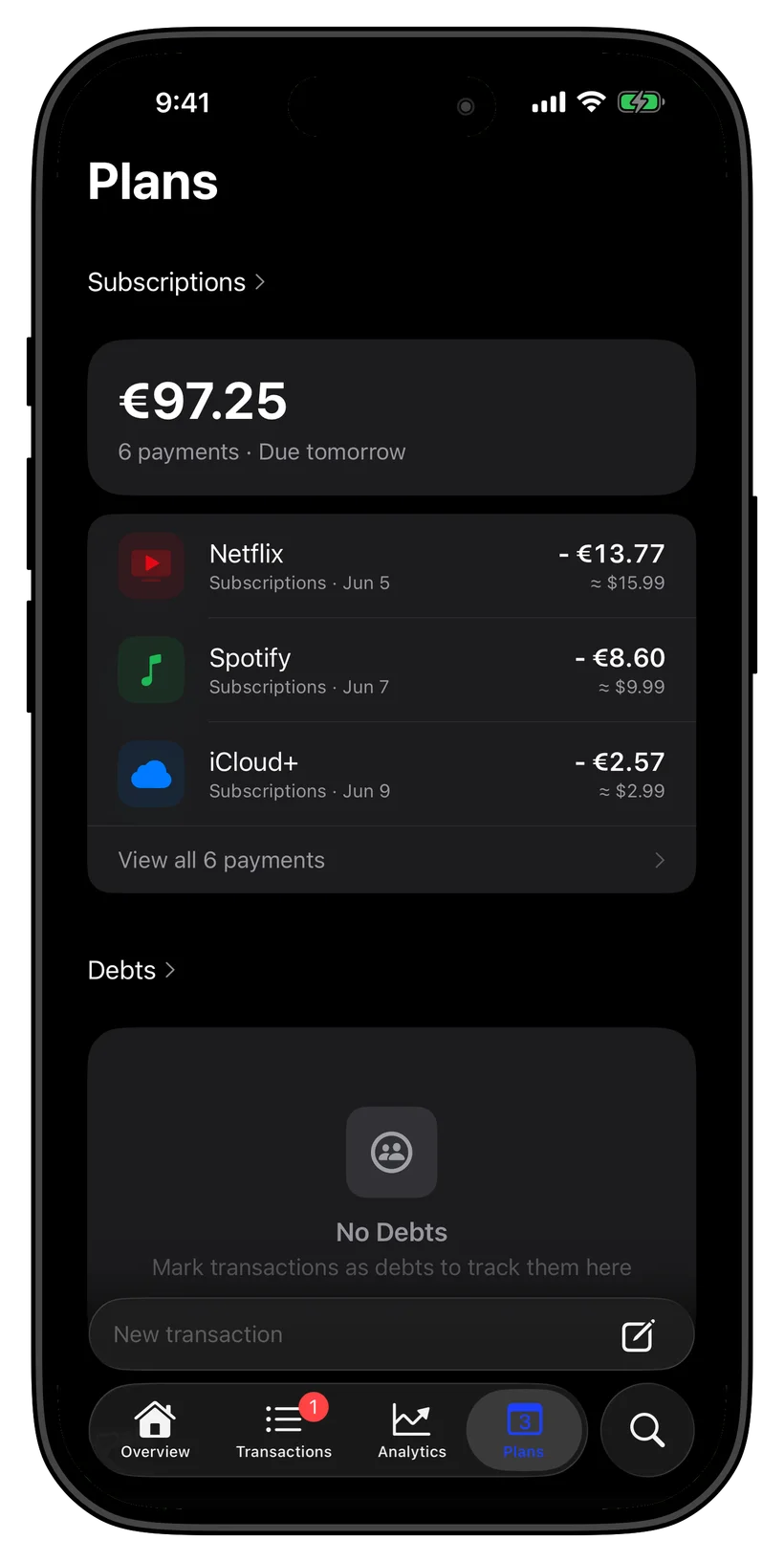
See every subscription in one place.
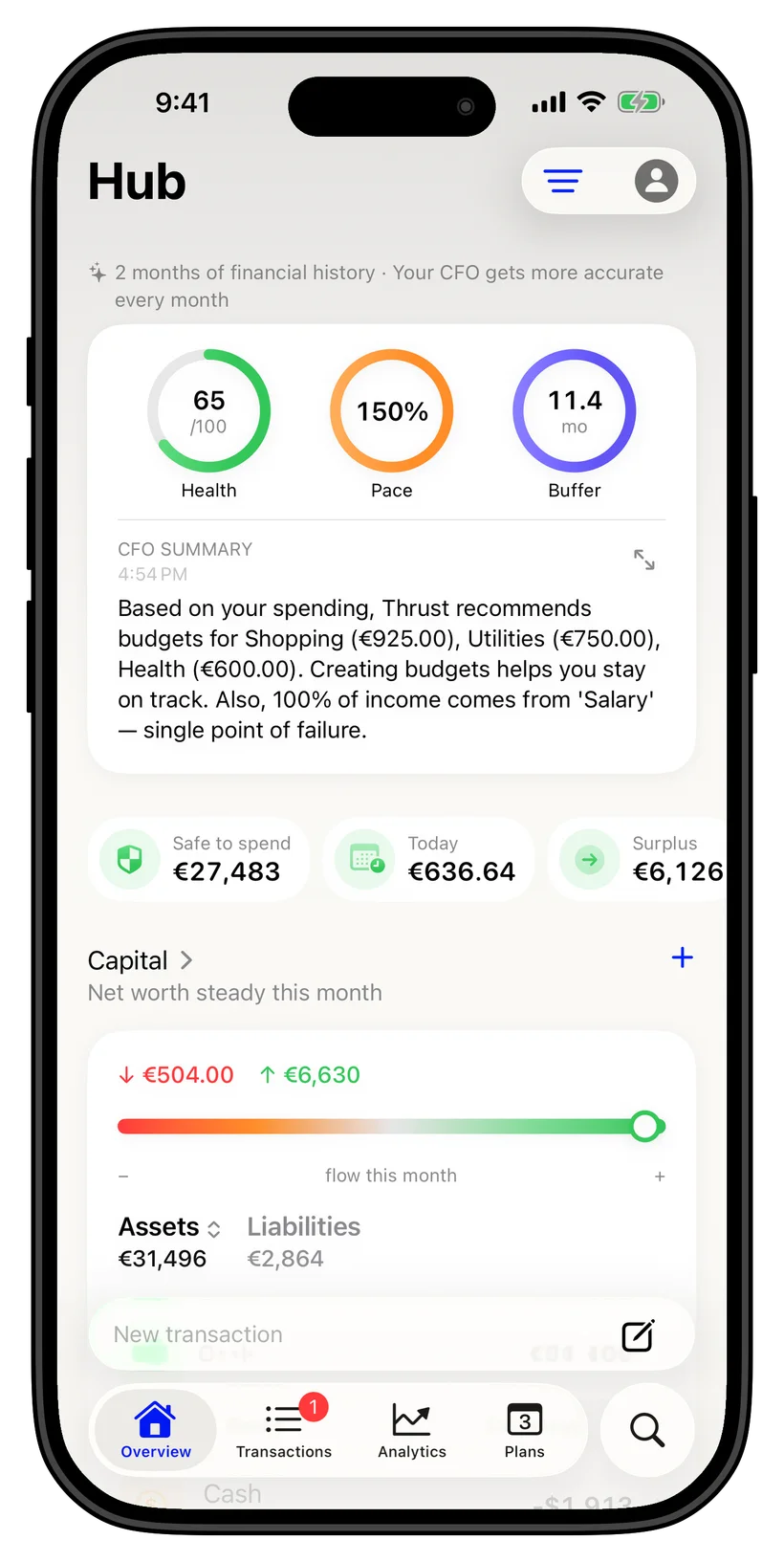
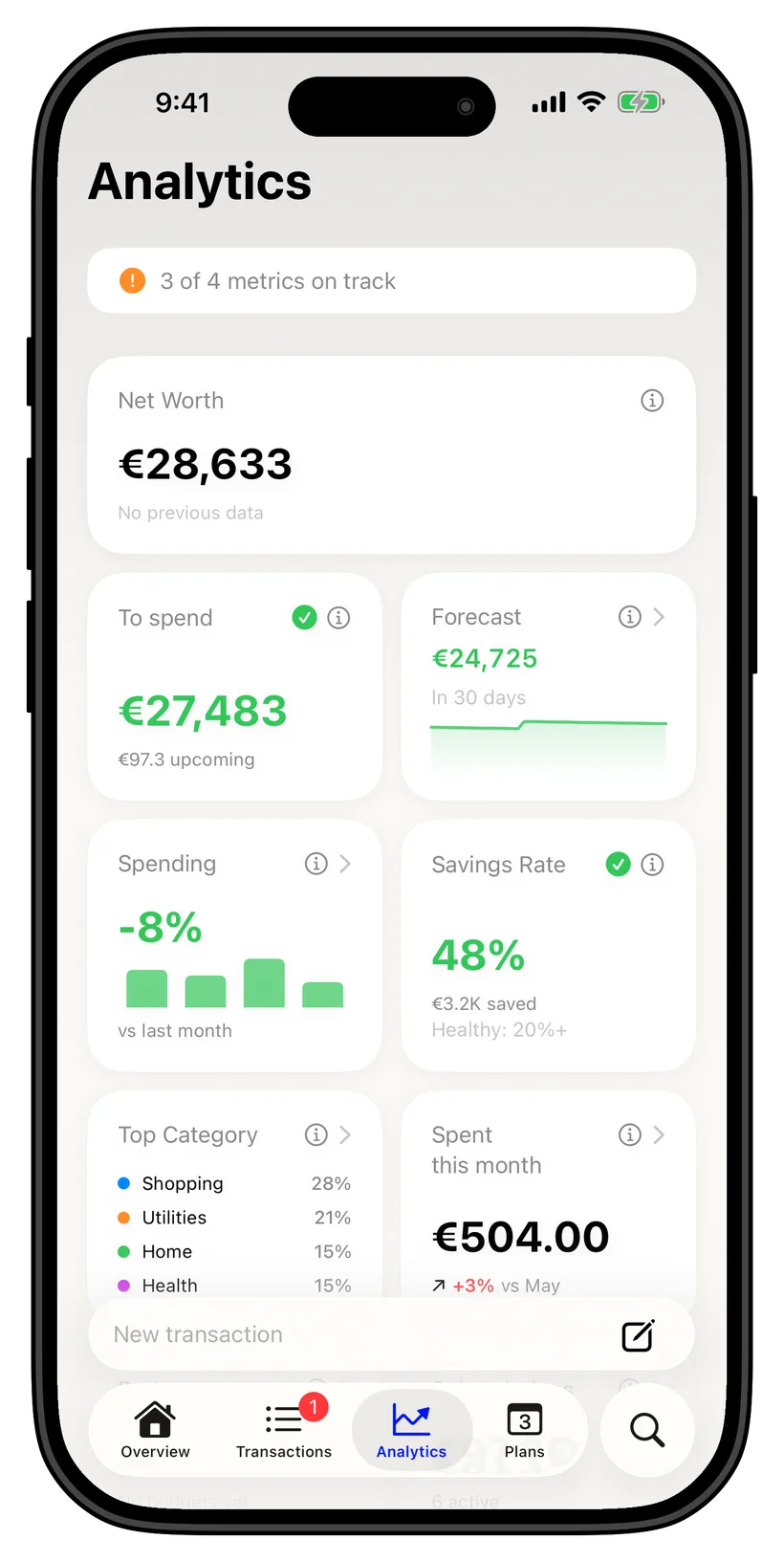
Thrust shows what you can spend today, what your balance may look like at month-end, and which recurring charges are worth cancelling. The calculations run on your iPhone, and Thrust doesn’t store your transactions on its servers.
Free to download · No Thrust account required
How Thrust handles your data
Your iPhone does the work. Network access is used only when a feature needs it.
Thrust doesn't store your transactions on its servers
Financial data is processed on your iPhone. Optional sync uses your private iCloud account. Ghost Mode blocks network access.
- No Thrust account required
- Financial records kept locally
- Optional private iCloud sync
Inside Thrust
The information you need, in the order you choose.
Subscriptions
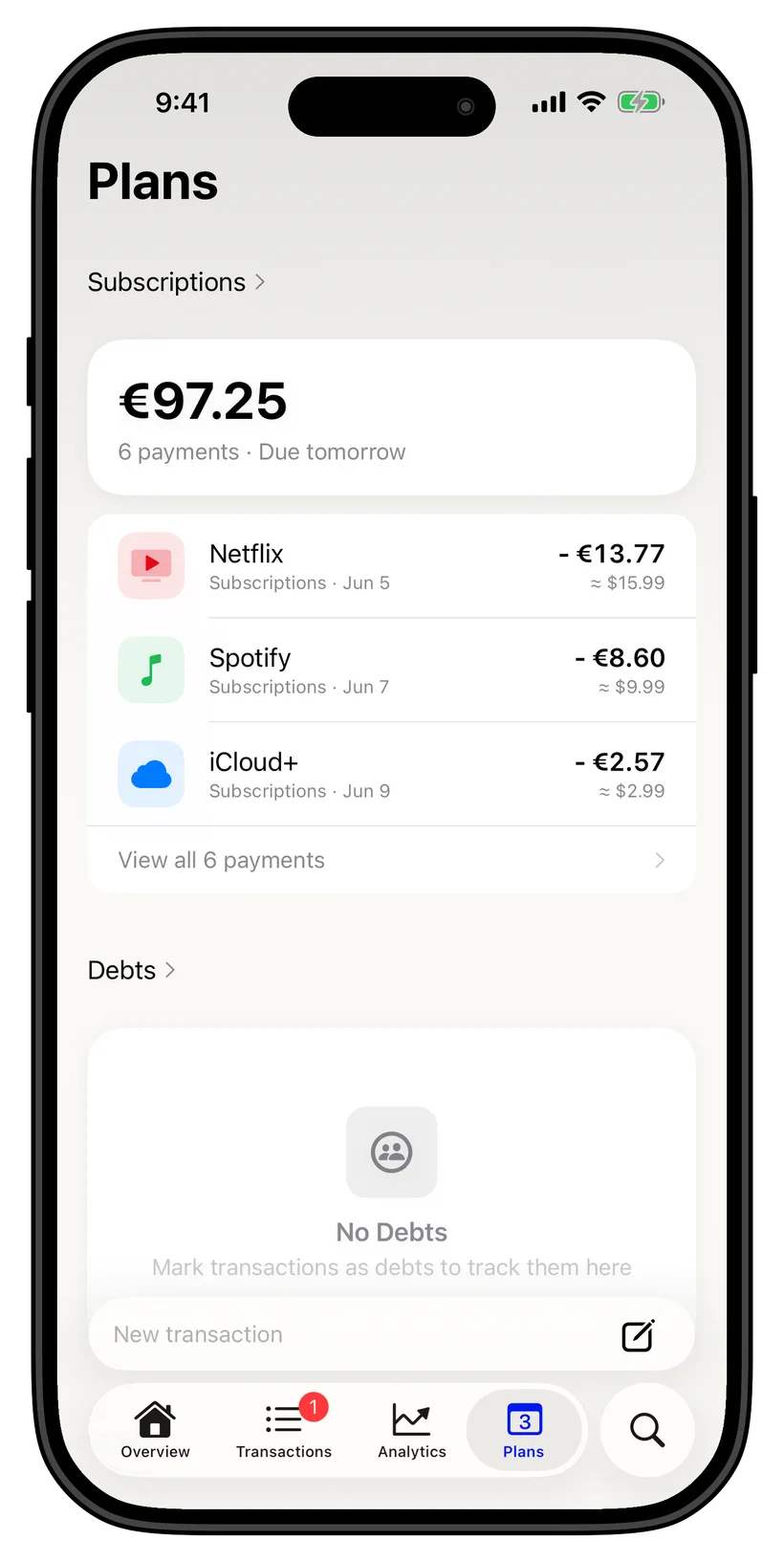
See renewals before they charge
Thrust detects recurring charges on your iPhone and adds them to the Hub with renewal dates, monthly cost, and the next expected charge.
- Subscriptions in one list
- Renewal dates and monthly total
- Detection runs on your iPhone
Hub
Put frequently checked sections first
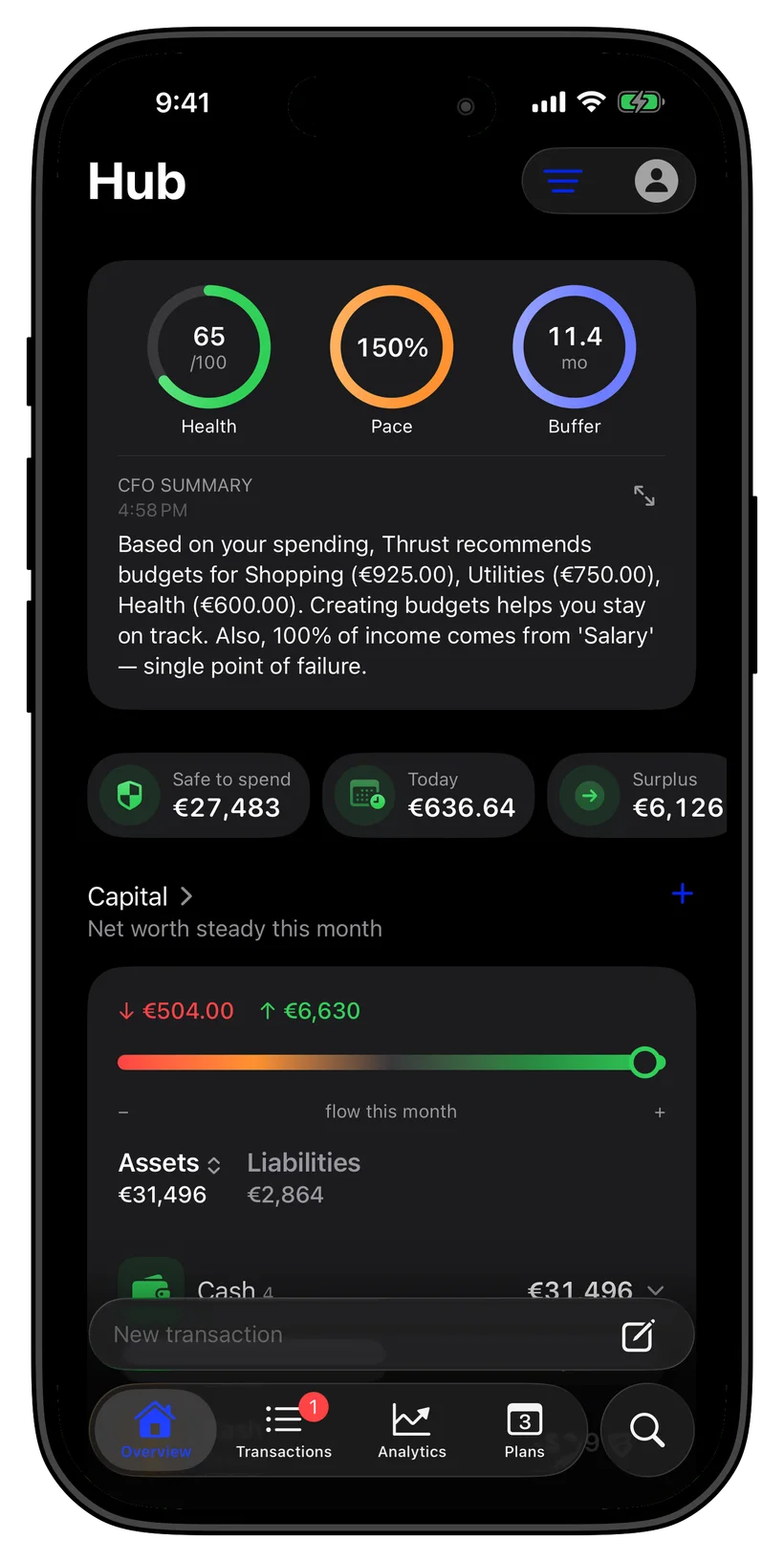
Reorder, show, hide, and pin subscriptions, budgets, goals, and assets. You choose what appears at the top.
- Reorder sections
- Show, hide, and pin items
- Updates on your device
Forecasts
Plan years ahead, not just to month-end
Use the 30-day forecast for upcoming cash flow, then test retirement, a home purchase, a child, income changes, windfalls, and major expenses in Life Plan. Free previews the first 10 years. Pro opens the full horizon to the age you choose — 90 by default — plus outcome ranges and the estimated chance of reaching your target.
- 30-day cash-flow forecast
- 10-year Life Plan preview
- Full horizon and outcome ranges in Pro
Categories
See spending by category and merchant
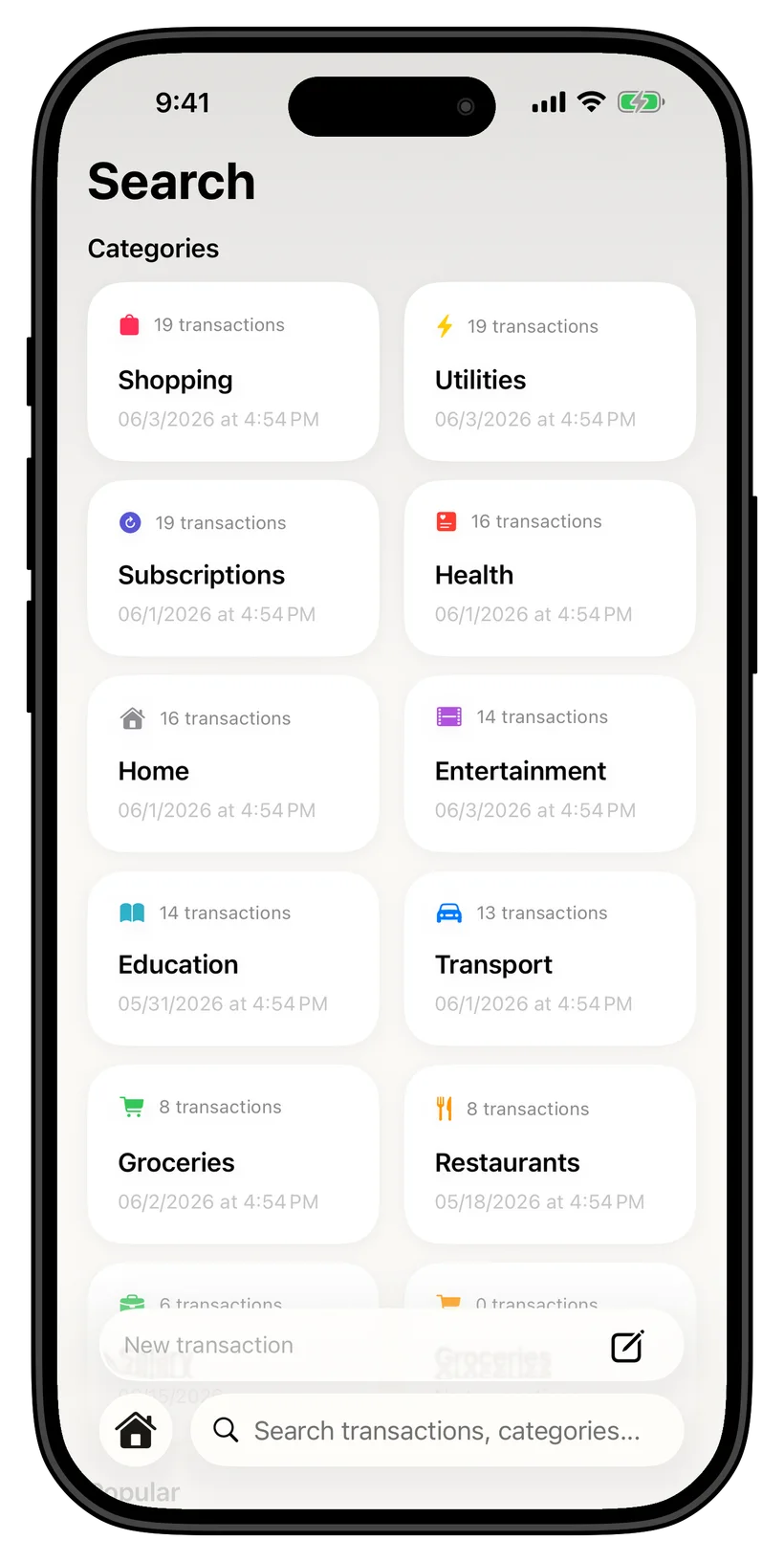
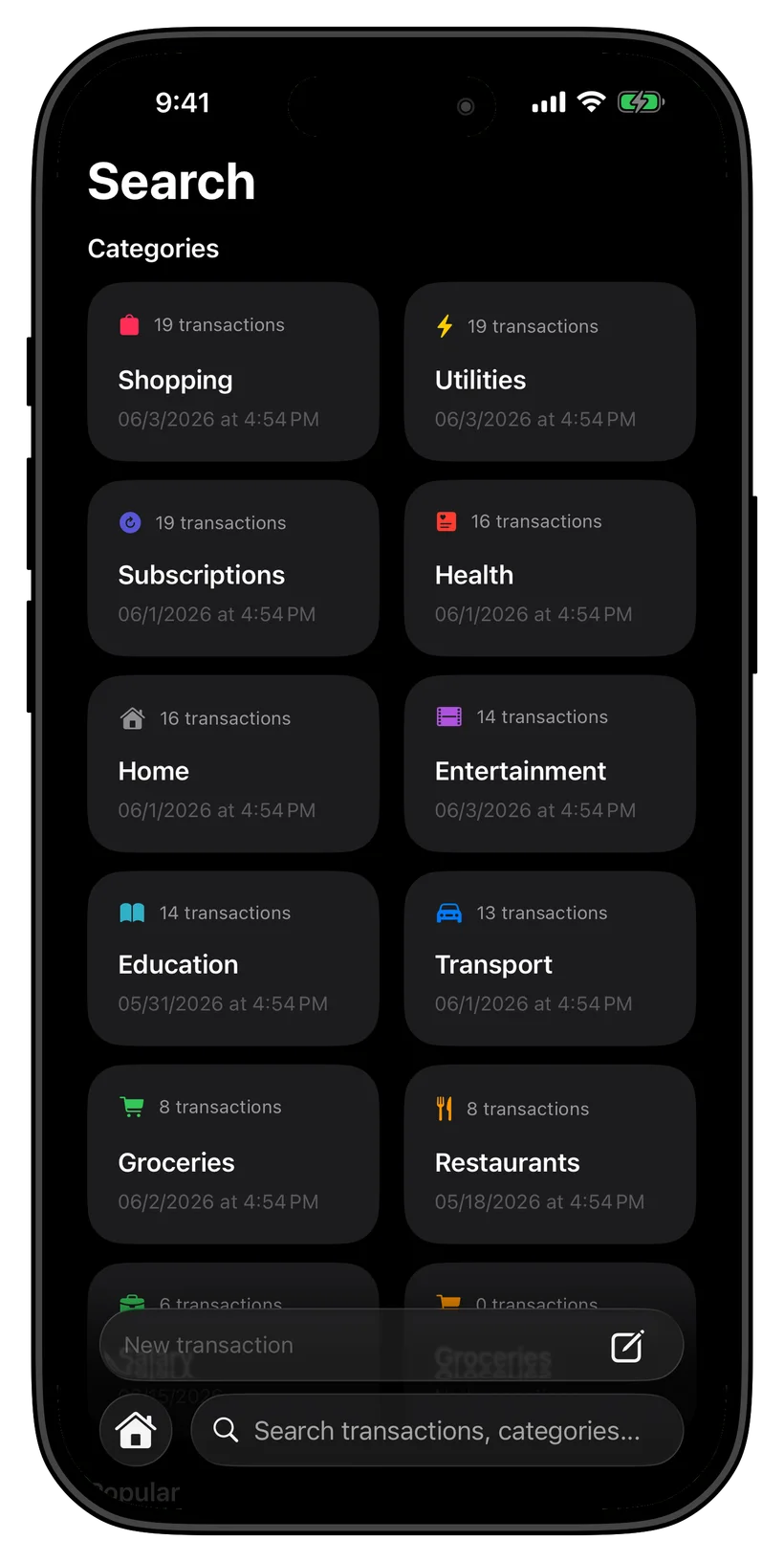
Transactions are grouped into categories with counts and trends. Search by merchant or category when you need a specific entry.
- Automatic spending categories
- Counts and trends by category
- Search by merchant or category
Transactions
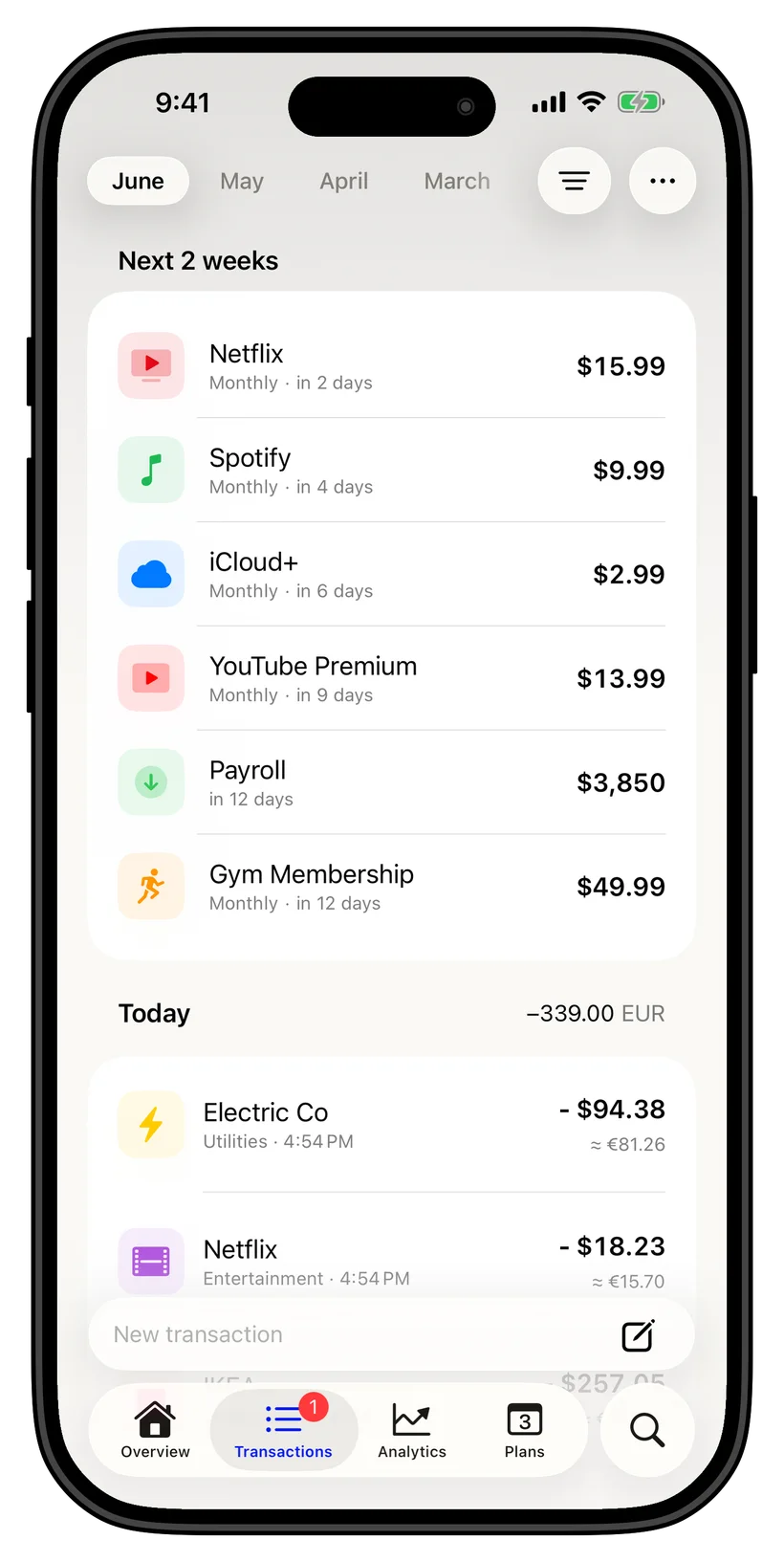
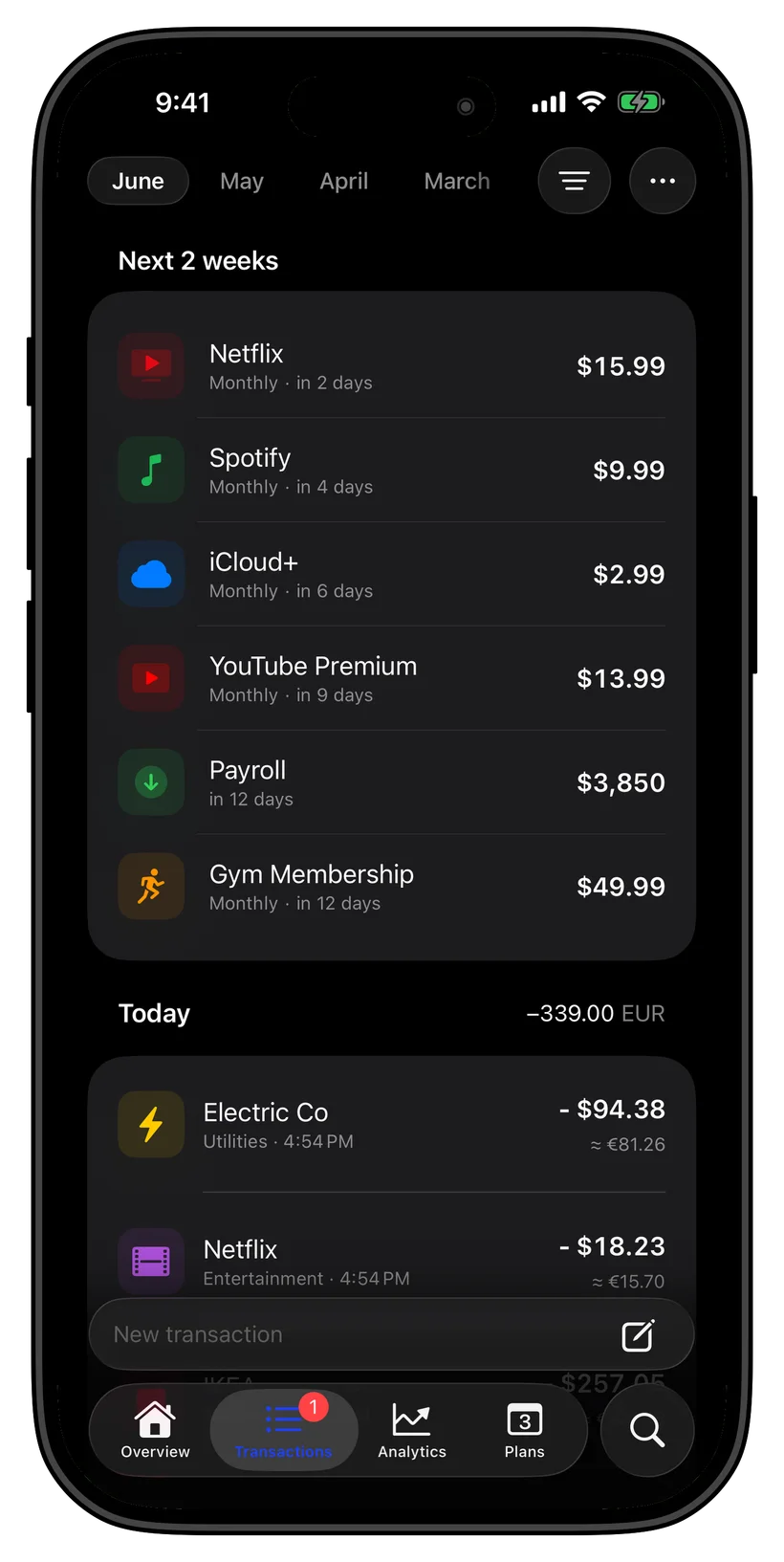
See recent and upcoming payments together
View bills and recurring payments for the next two weeks alongside your latest transactions.
- Upcoming bills and renewals
- Latest transactions in one feed
- Multiple currencies supported
Thrust doesn't store your transaction history on its servers. Optional sync stays in your private iCloud account.
Financial analysis happens on your iPhone. If you use iCloud sync or sharing, Apple carries the data through your private iCloud account; it is not stored on Thrust servers.
Ghost Mode is stricter. Once active, it blocks network access, so features that need live prices, downloads, or iCloud sync remain unavailable until you leave it.
Compare approachesCommon questions
Quick answers
Do I need to connect a bank?
No. Add accounts and transactions manually or import a supported file.
Does Thrust work offline?
Yes. Spending analysis, forecasts, budgets, and the amount available to spend work offline. Live prices, downloads, and optional iCloud sync need a connection.
How does iCloud sync work?
Sync is optional and uses your private iCloud account. Thrust does not keep a copy of your transaction history on its own servers.
What does Ghost Mode do?
Ghost Mode blocks network access. While it is active, live prices, downloads, and iCloud sync are unavailable.
Download Thrust
Add your first account. See what you can spend today.
iOS 26+ · Free to download