Budgeting
Budgeting that stays on your iPhone
Set a budget for every category, watch it update as you spend, and roll over what you do not use — all calculated on your device, with no bank login and no account.
iOS 26+ · Free to download
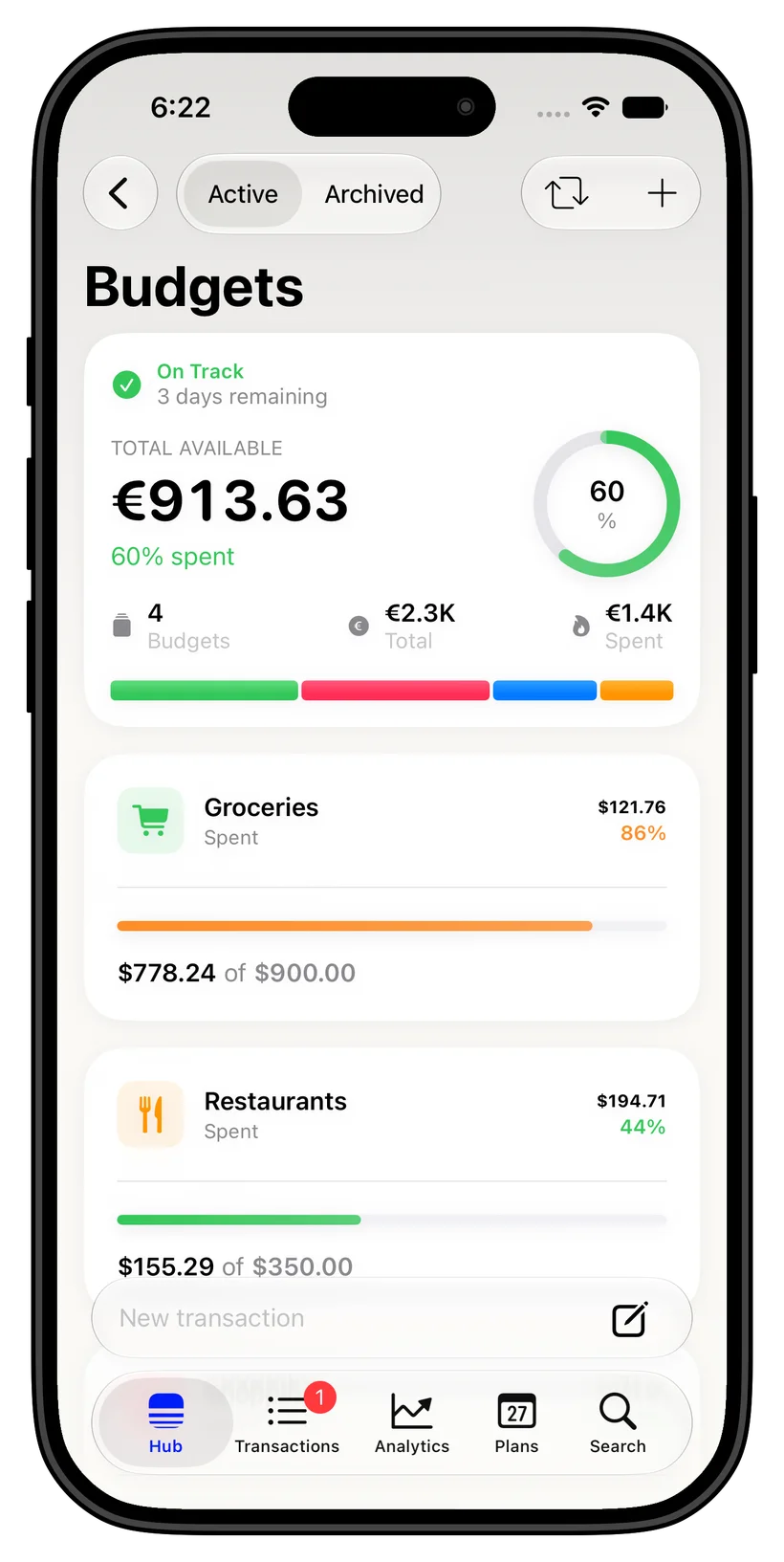
Category budgets that fit how you live
Give every part of your life its own budget — groceries, rent, eating out, travel — and thrust tracks each one against real spending. Set monthly limits, see how much is left at a glance, and adjust whenever life changes.
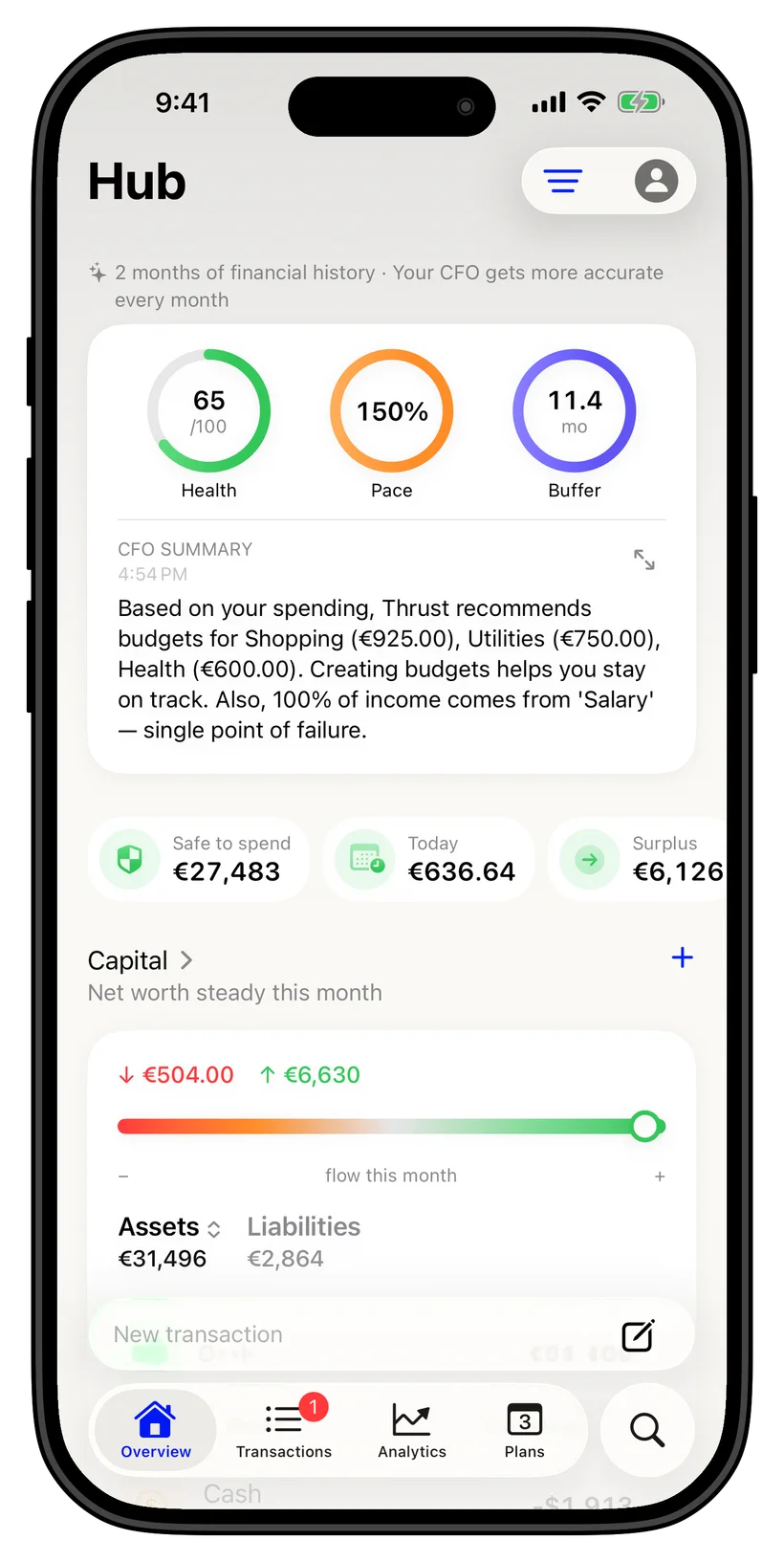
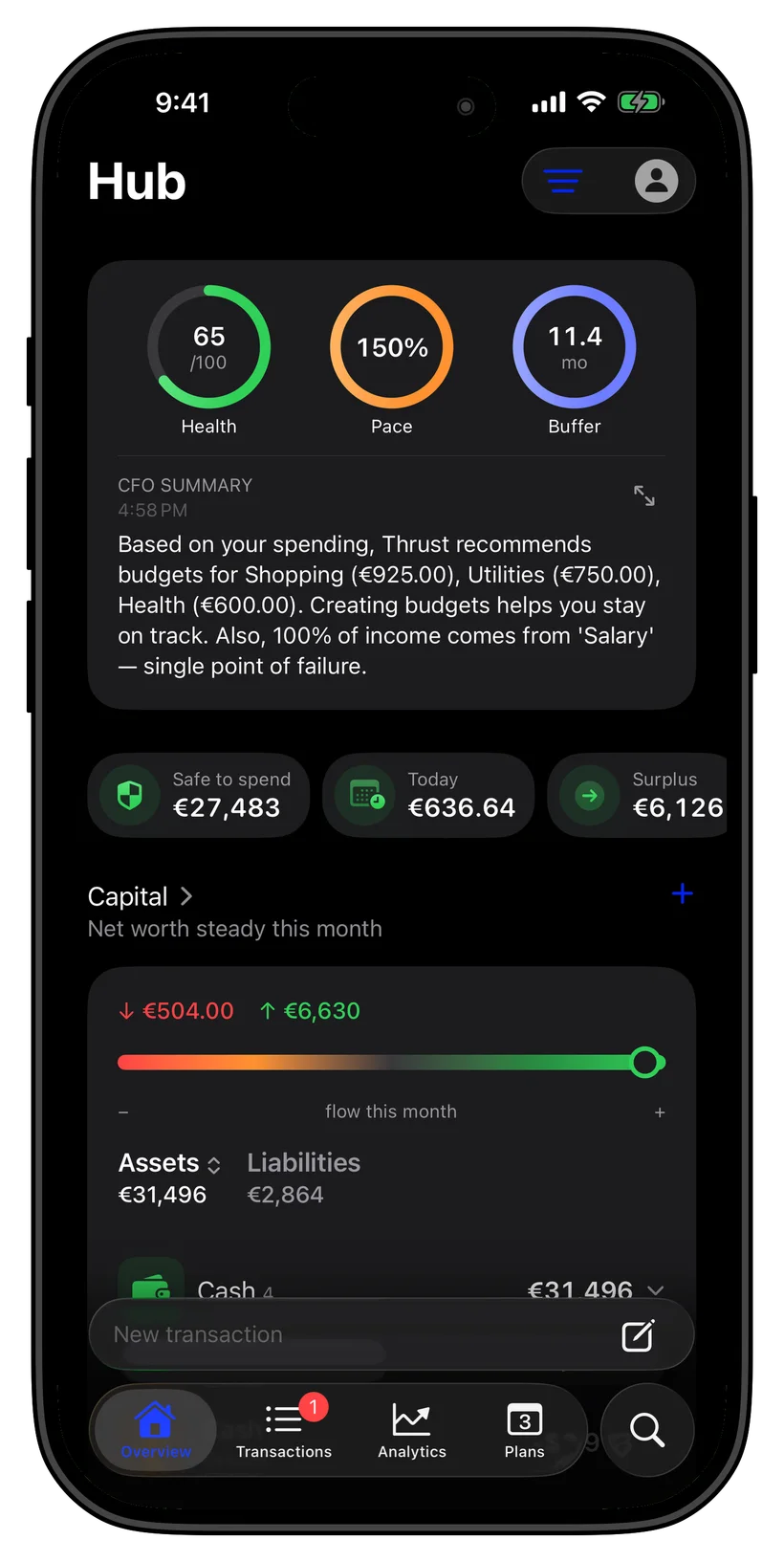
Roll over what you do not spend
Underspent your dining budget this month? Roll the remainder forward instead of losing it. thrust carries unused amounts into the next period, so a careful month actually pays off later.
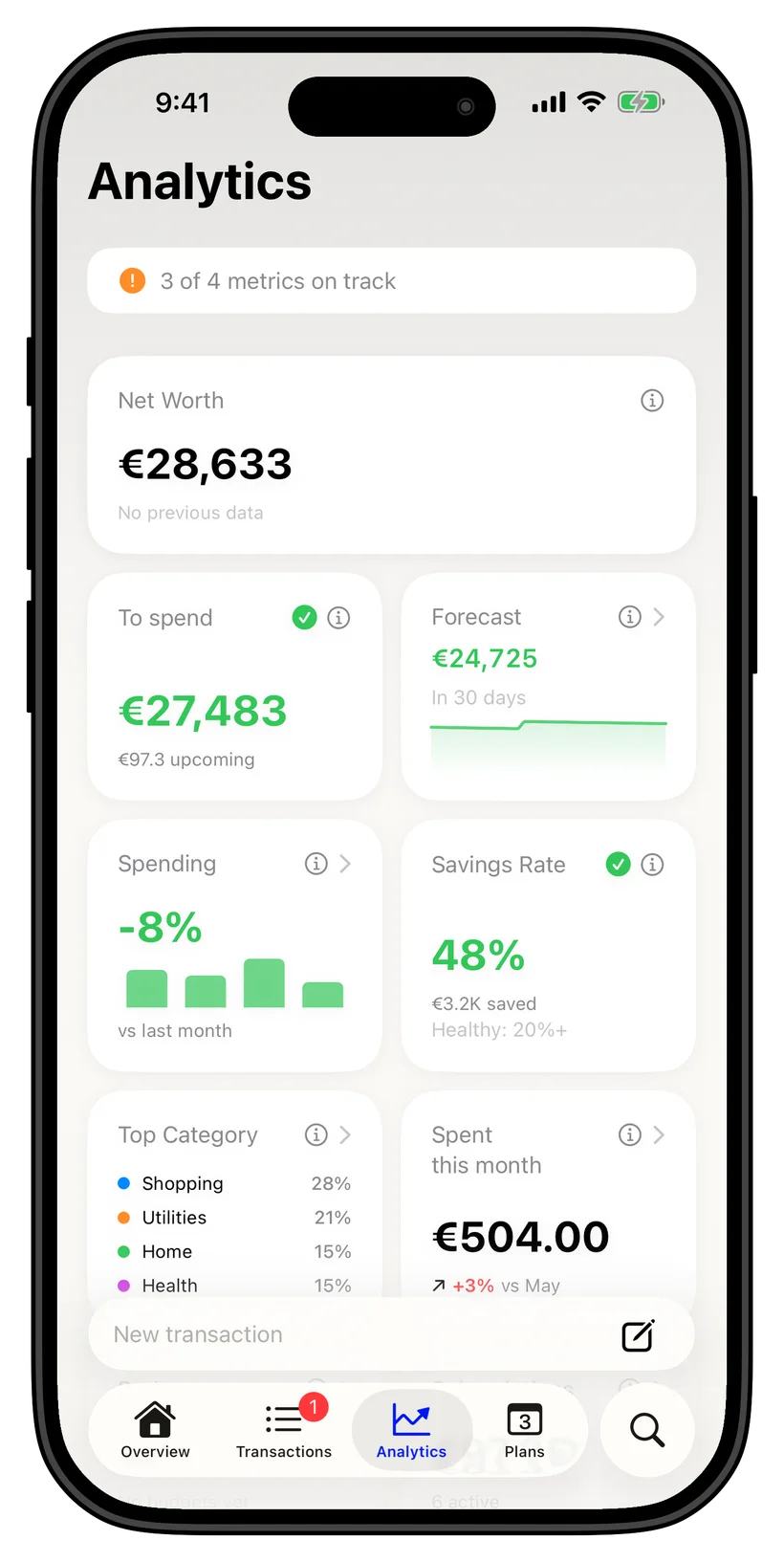
Real-time pace, not month-end surprises
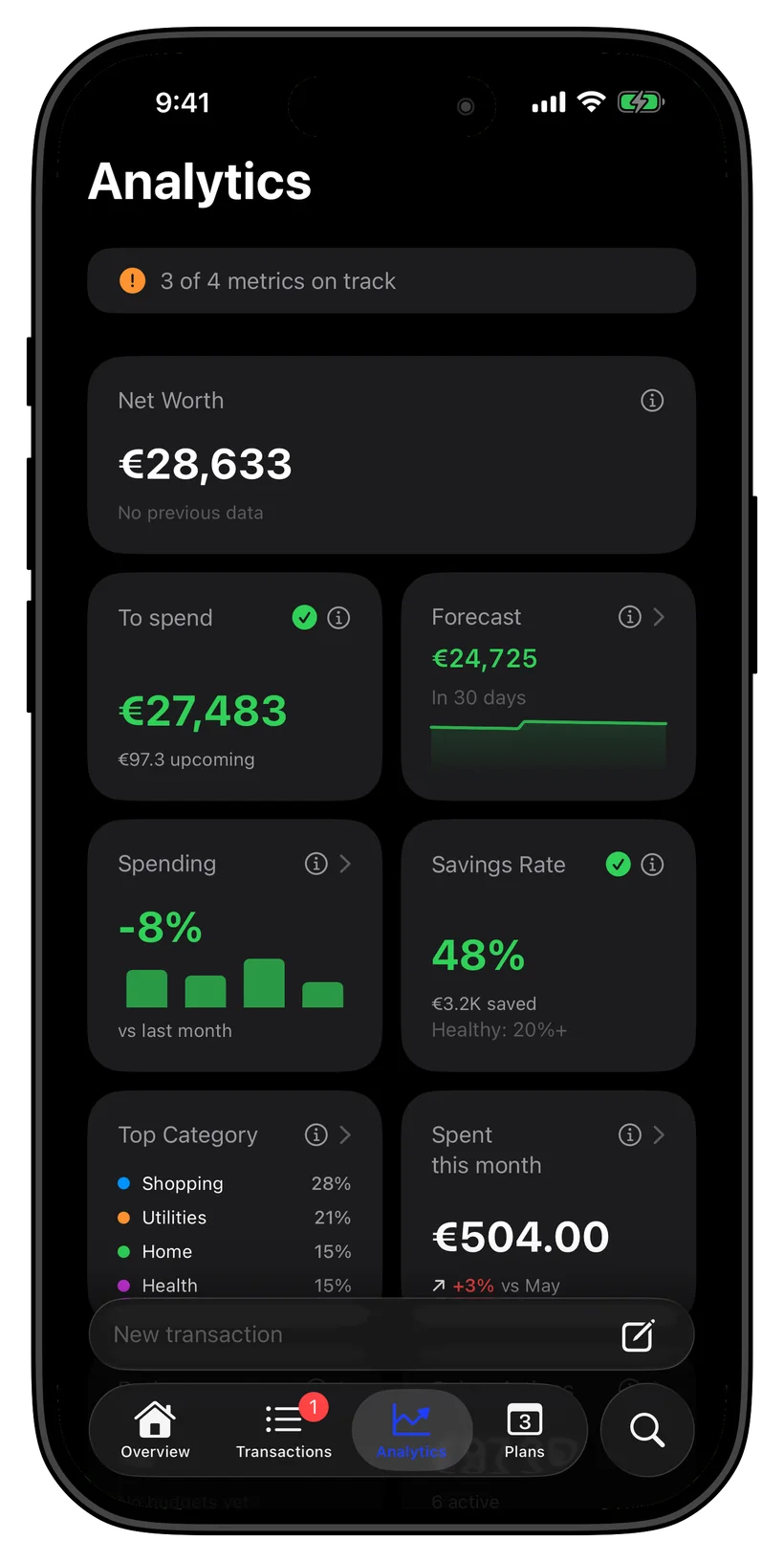
thrust shows your budget pace as the month goes — whether you are on track, ahead, or about to overshoot — so you can course-correct early. Every calculation runs on your iPhone, offline.
No bank login, fully private
Financial records are kept locally on your iPhone. Optional sync uses your personal iCloud. Ghost Mode blocks network access, including iCloud sync.
Ask anything
Just ask, on your iPhone
FAQ
Common questions
Does thrust budget by category?
Yes. thrust lets you set a budget for each spending category and tracks every transaction against it, with a clear view of how much is left. Budgeting more categories is part of thrust Pro.
Can I roll over unused budget?
Yes. thrust can carry the amount you did not spend in a category into the next period, so disciplined months build a cushion instead of resetting to zero.
Does budgeting need a bank login?
No. thrust never asks for a bank login. You add transactions by importing a CSV or PDF, scanning a receipt, logging Apple Pay, or entering them by hand, and budgets update from there on your device.
How many budgets can I create for free?
The free tier includes up to 3 budgets, 5 accounts, and 3 savings goals. thrust Pro raises these limits for more detailed budgeting.
Does budgeting work in multiple currencies?
Yes. thrust tracks 20+ currencies and converts spending into your base currency, so budgets stay accurate even when you spend across borders.
Is my budget data private?
Financial records are kept locally on your iPhone. Optional sync uses your personal iCloud. Ghost Mode blocks network access, including iCloud sync.