Expense tracker
See where your money actually goes
thrust sorts every transaction into clear categories, tracks trends, and lets you search any merchant in an instant — entirely on your iPhone, with no bank login and nothing uploaded.
iOS 26+ · Free to download
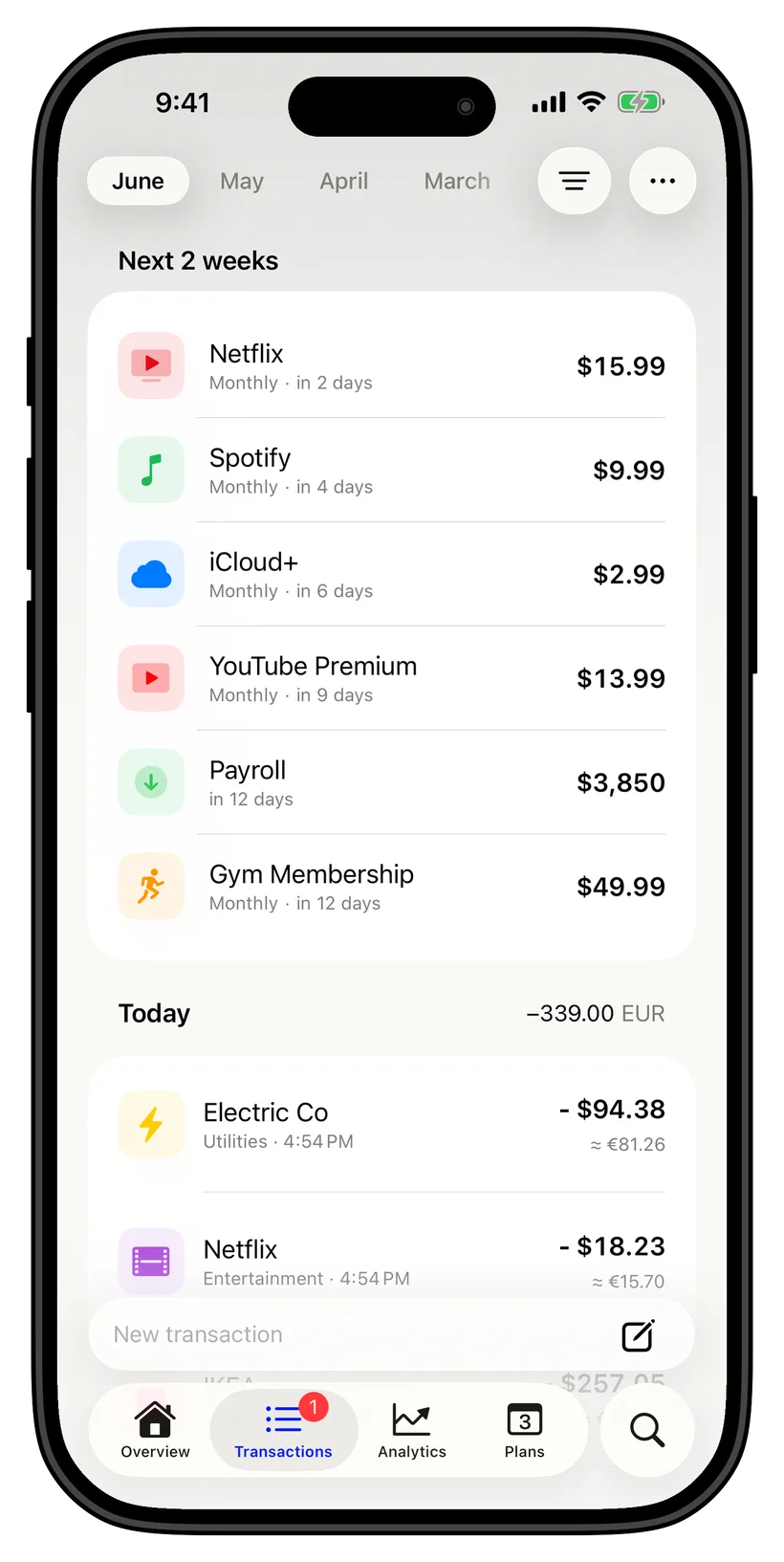
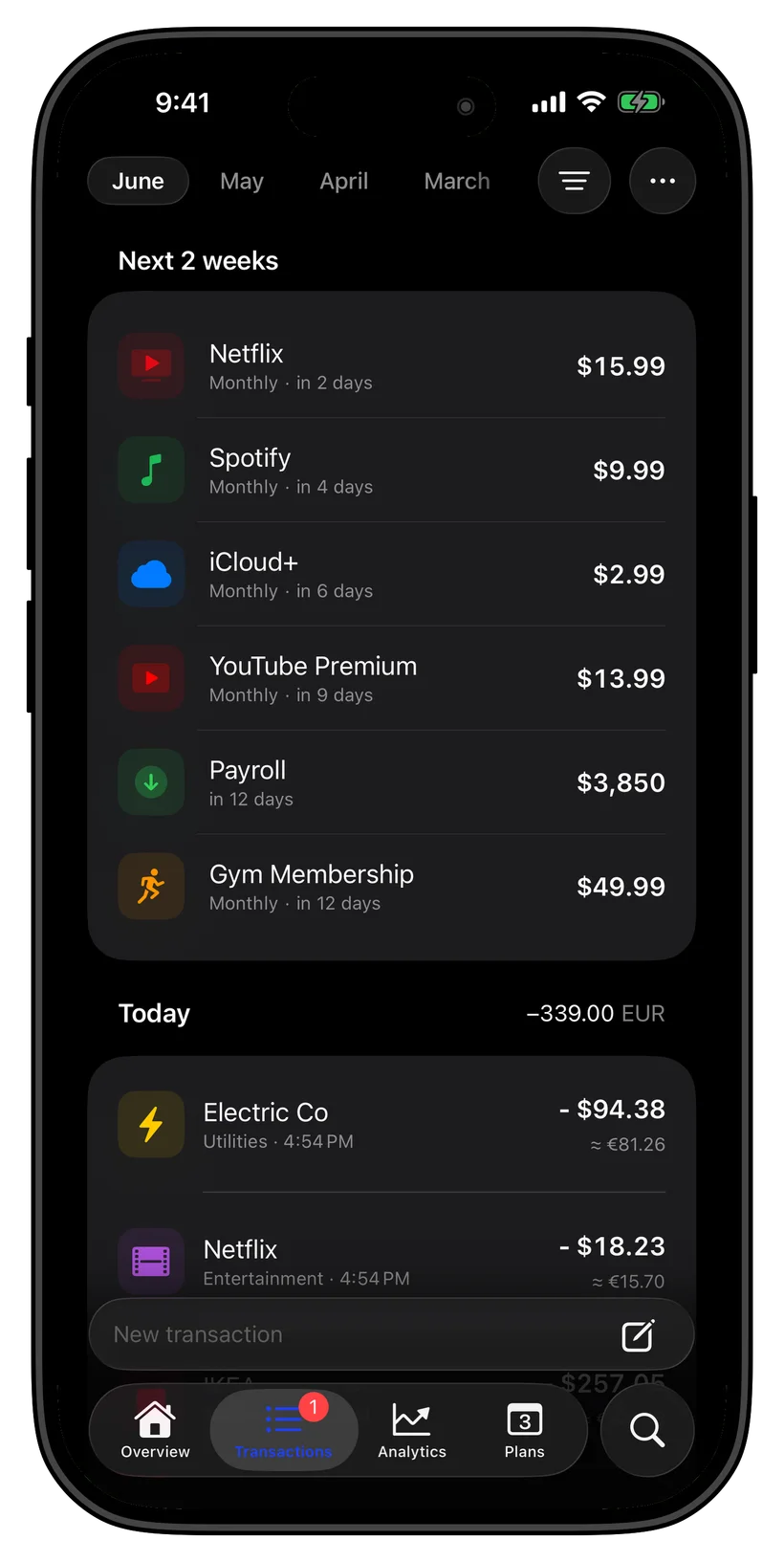
Every expense, automatically sorted
Add a transaction and thrust files it into the right category — groceries, transport, subscriptions, dining — so your spending organizes itself. No manual tagging, no spreadsheets, no bank connection.
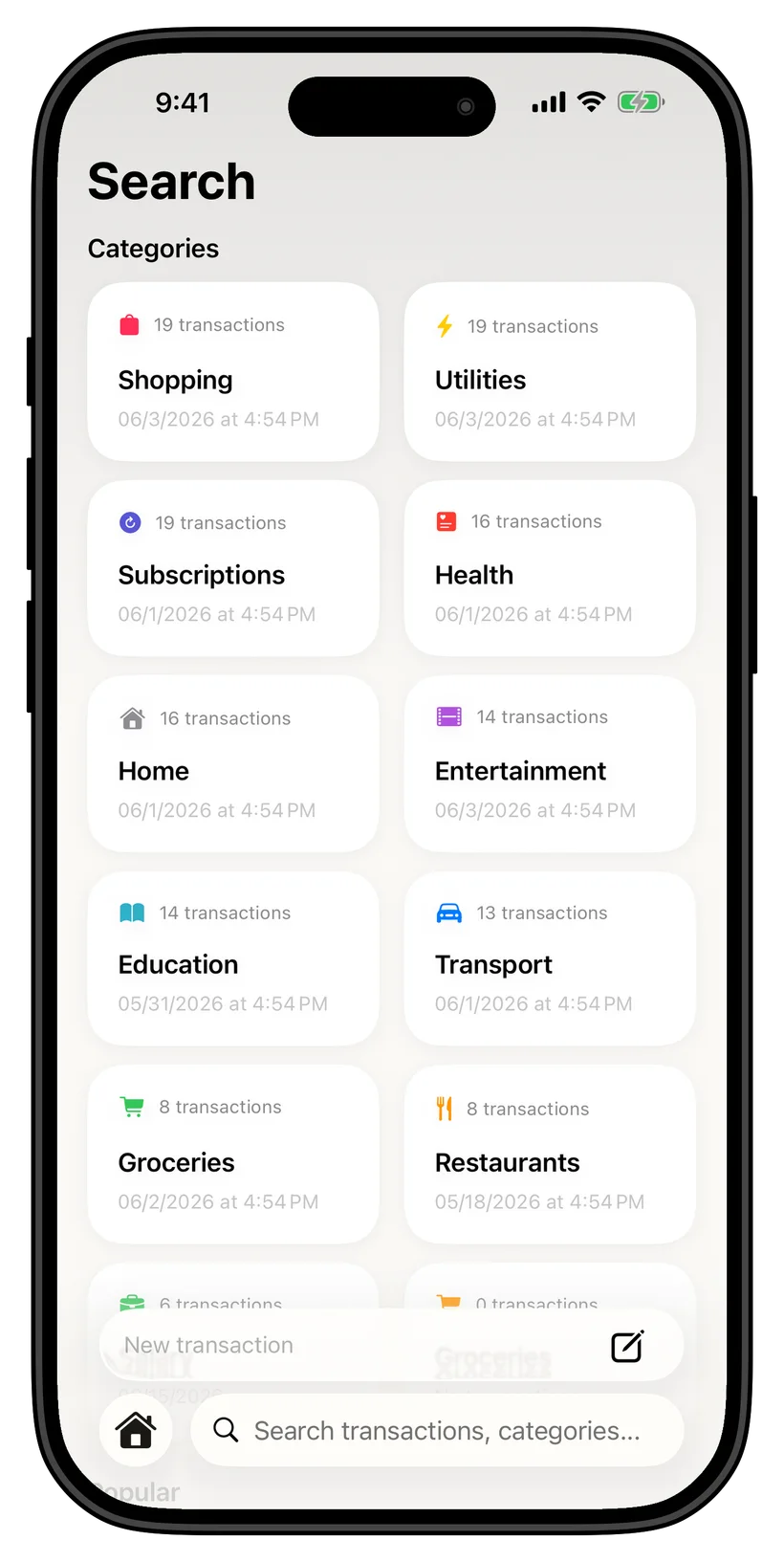
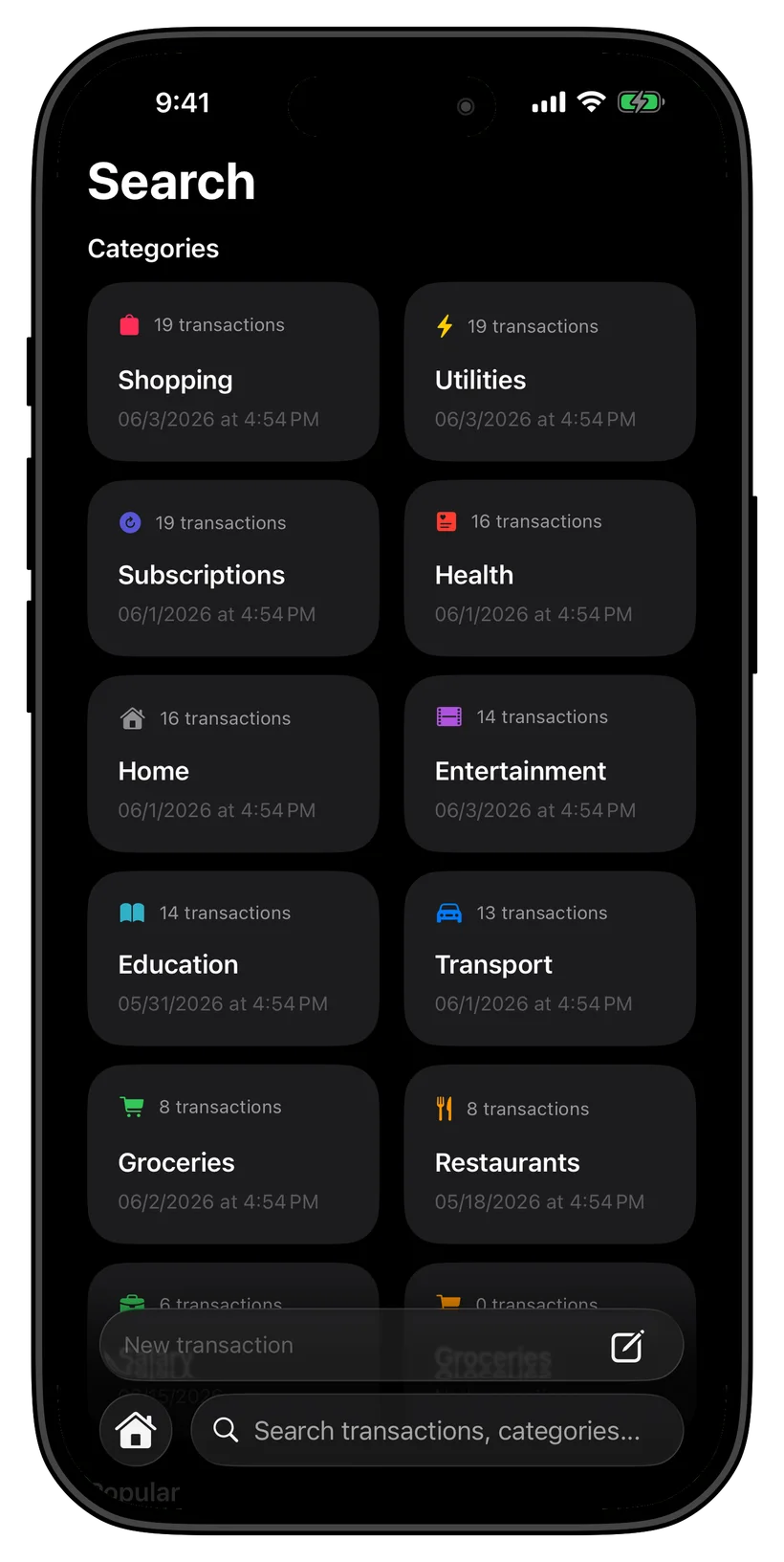
Search any merchant or category instantly
Wondering how much you spend at one shop, or on coffee this year? Search any merchant or category and thrust answers immediately from your own history, all on-device.
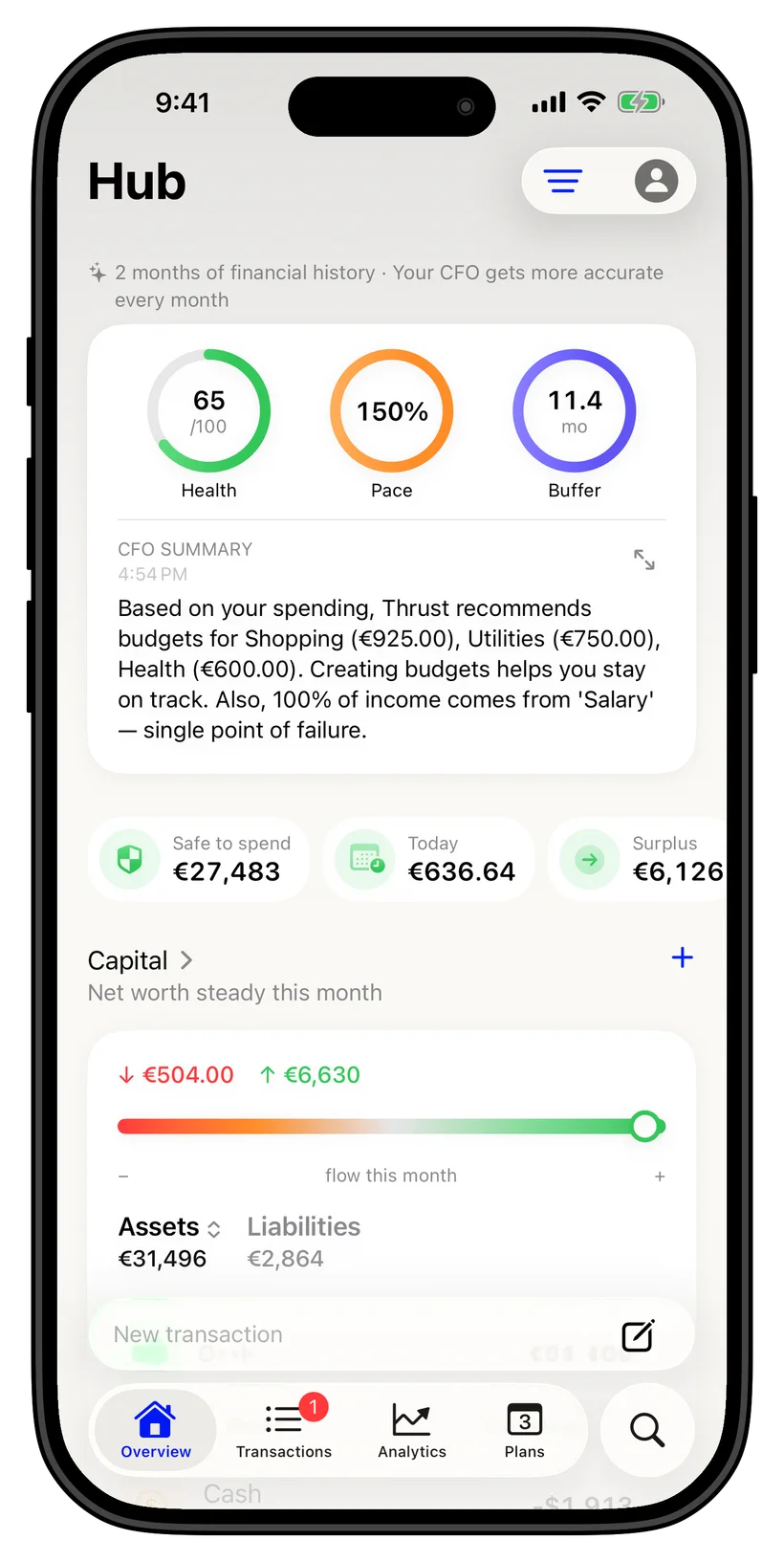
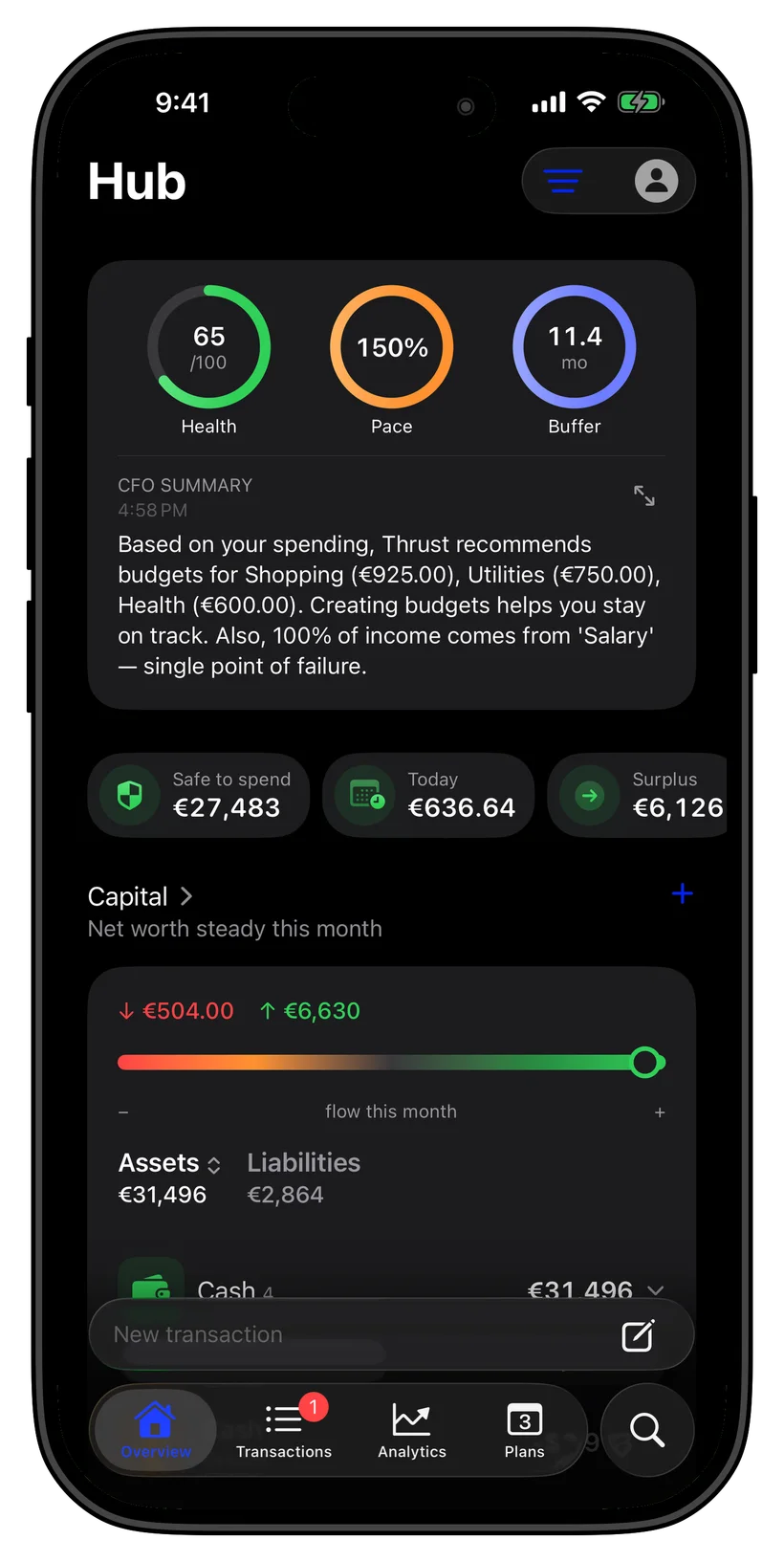
Trends that show the real picture
See counts and totals per category over time, spot where spending creeps up, and catch lifestyle inflation before it costs you. Every calculation in this view runs locally.
Private by default, multi-currency ready
Financial records are kept locally on your iPhone. Optional sync uses your personal iCloud. Ghost Mode blocks network access, including iCloud sync.
Ask anything
Just ask, on your iPhone
FAQ
Common questions
Does thrust track expenses without a bank login?
Yes. thrust never connects to your bank. You add expenses by importing a CSV or PDF statement, scanning receipts, logging Apple Pay, or entering them by hand, and everything is tracked on your device.
Does it categorize spending automatically?
Yes. thrust sorts each transaction into a clear category on-device, so your spending is organized without manual tagging. You can adjust any category yourself.
Can I search my spending?
Yes. Search any merchant or category and thrust instantly returns matching transactions, counts, and totals from your own history.
Can I track expenses in different currencies?
Yes. thrust supports 20+ currencies and converts them into your base currency, so spending across countries adds up correctly.
Is my spending data private?
Financial records are kept locally on your iPhone. Optional sync uses your personal iCloud. Ghost Mode blocks network access, including iCloud sync.