Subscription tracker

A private subscription tracker that lives on your iPhone

See everything you pay for every month, catch price hikes before they sting, and decide what to cancel — without handing a single subscription over to a server. No bank login. No account. Just your iPhone.

iOS 26+ · Free to download
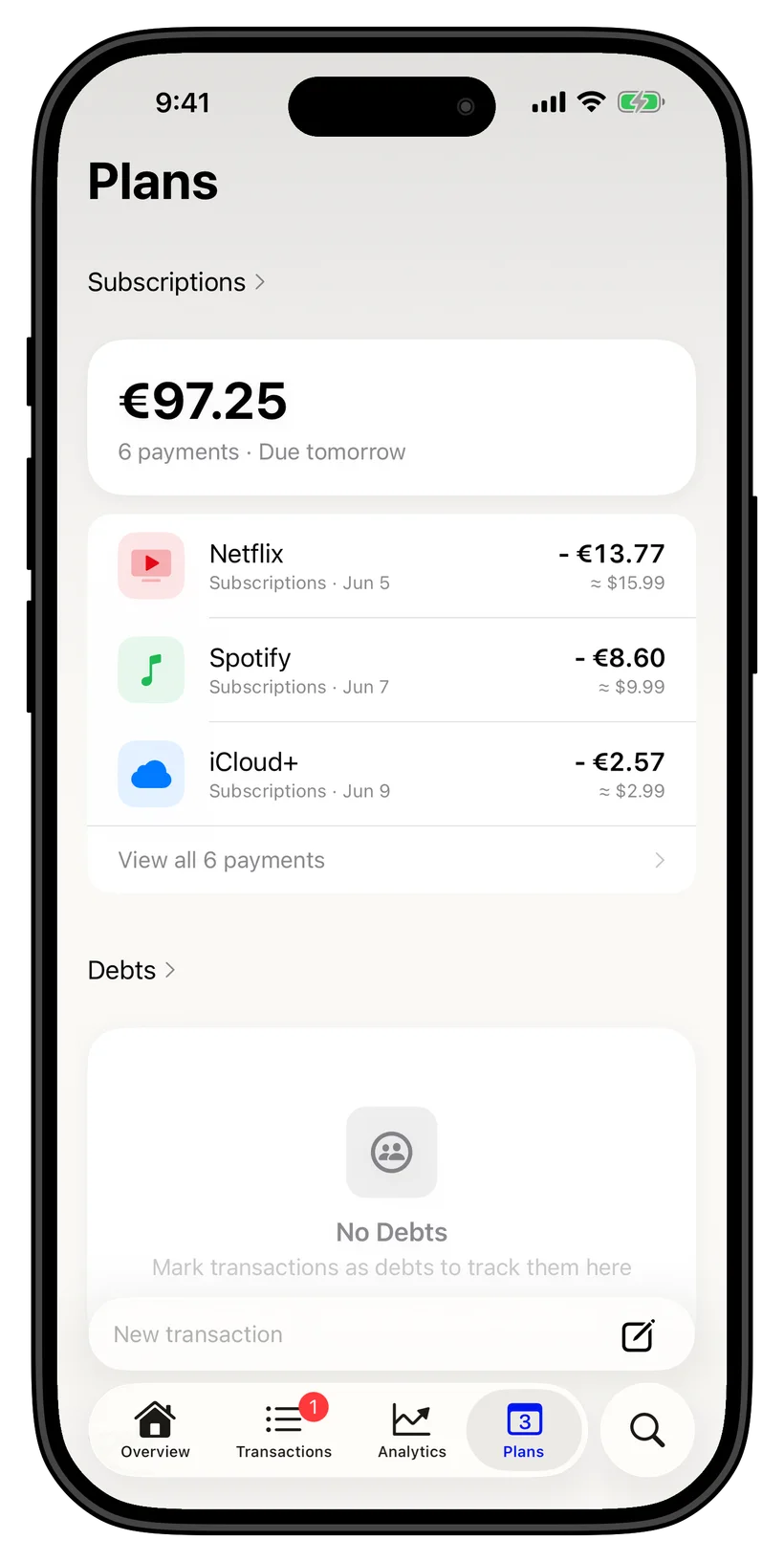
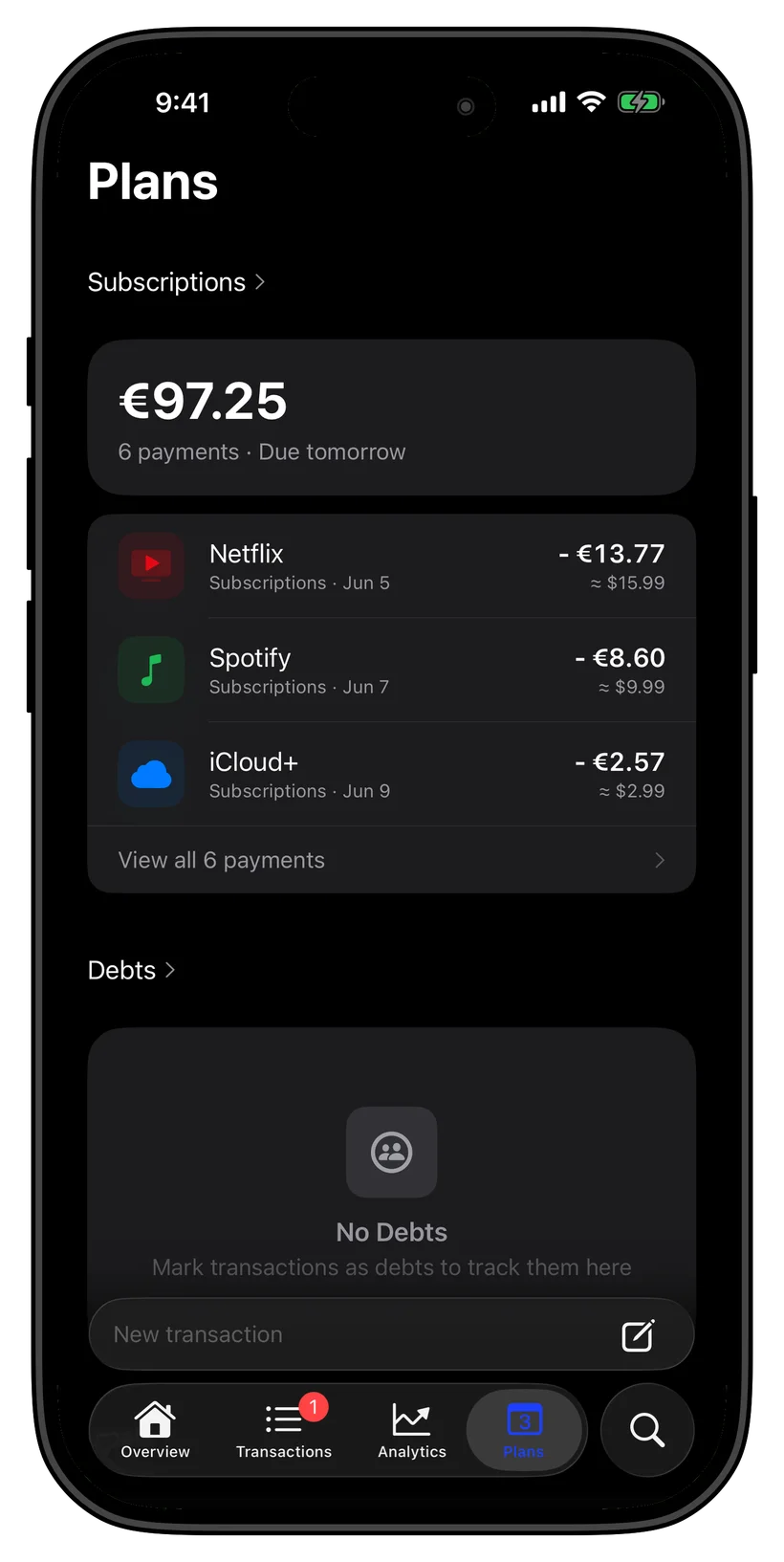
Subscription tracking runs on your iPhoneSubscription tracking runs on your iPhone

Subscription tracking runs on your iPhone

Most subscription managers want a bank login and keep recurring charges in their cloud. Thrust stores subscriptions in an encrypted database on your iPhone; optional sync uses your private iCloud. Turn on Ghost Mode to block network access, including iCloud sync.
On-device AI surfaces recurring charges for youOn-device AI surfaces recurring charges for you

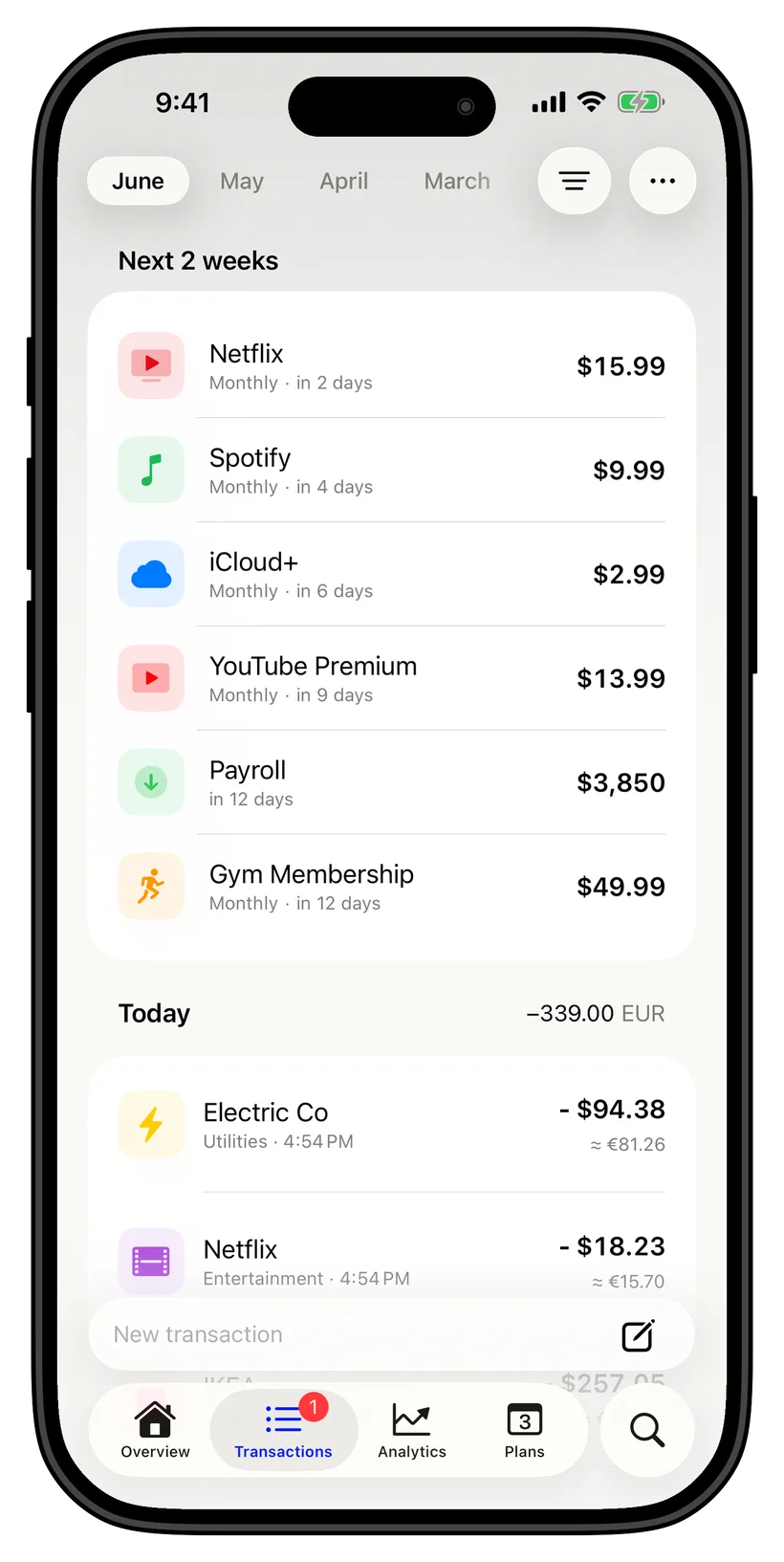
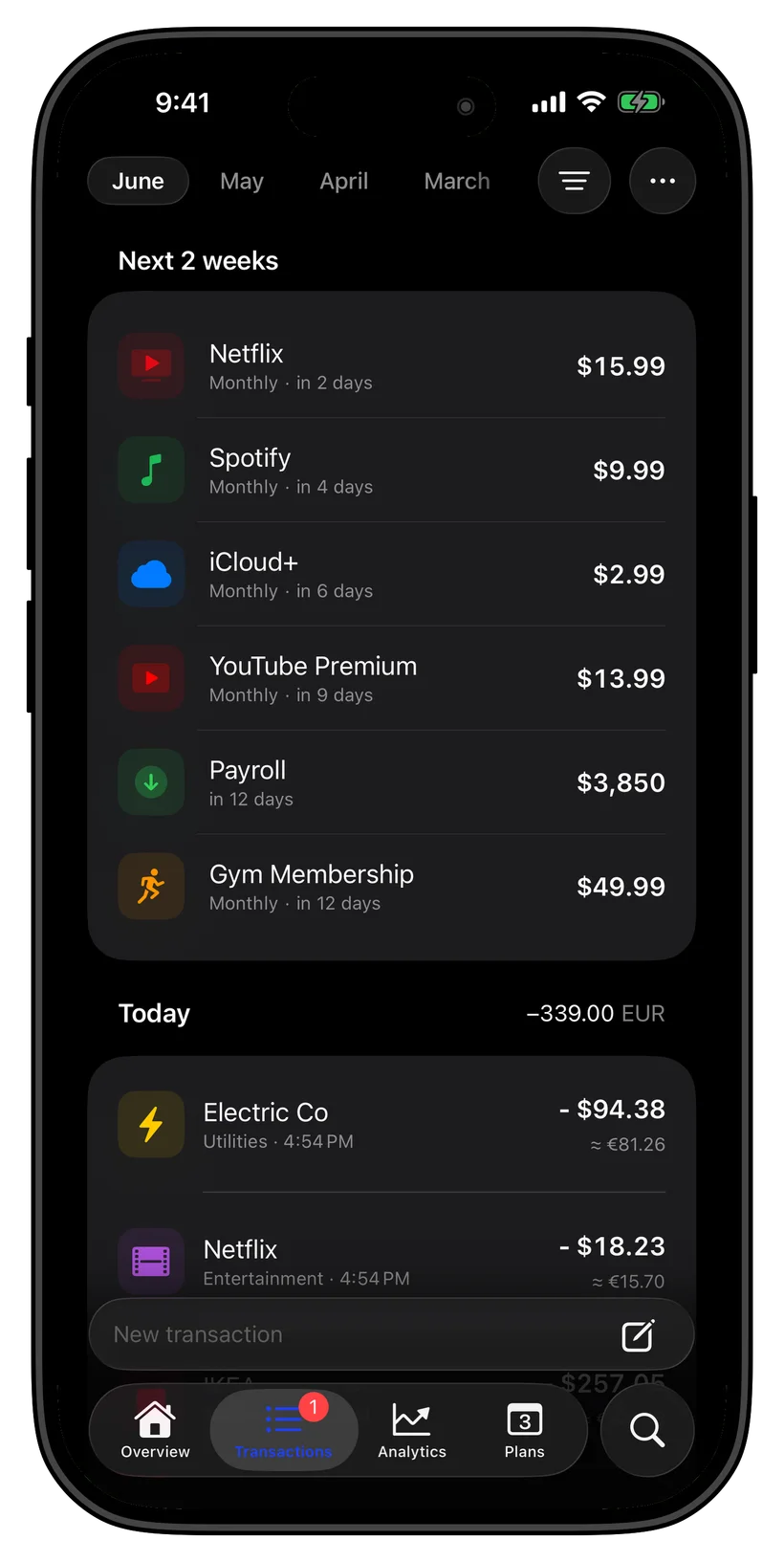
On-device AI surfaces recurring charges for you

There is no list to build by hand. Thrust scans your own transaction history right on your iPhone, recognizes recurring charges, and turns each one into a tracked subscription on its own — then flags a price change when a bill quietly goes up. All of it runs with on-device AI, offline, with no bank connection and nothing uploaded.
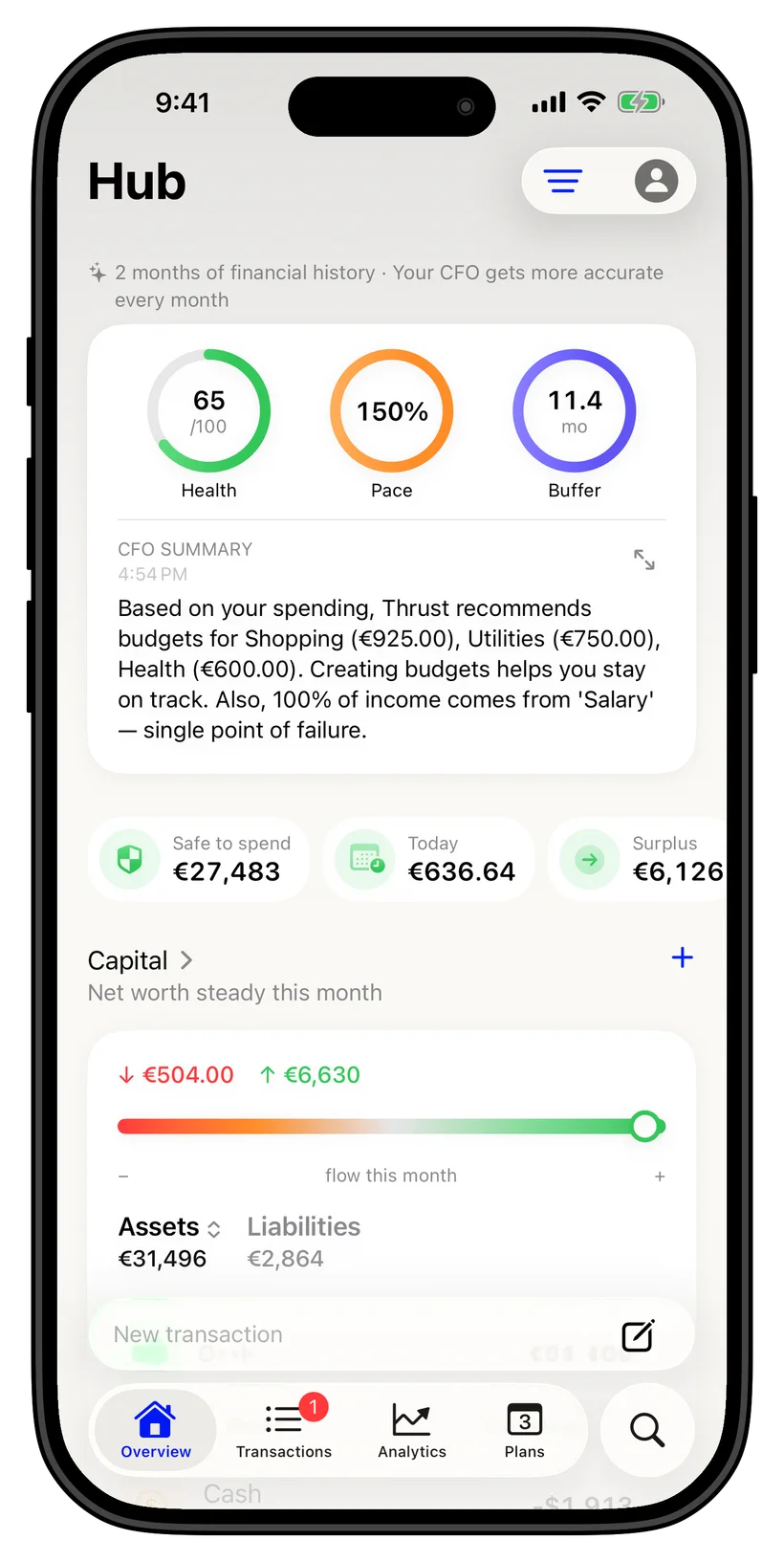
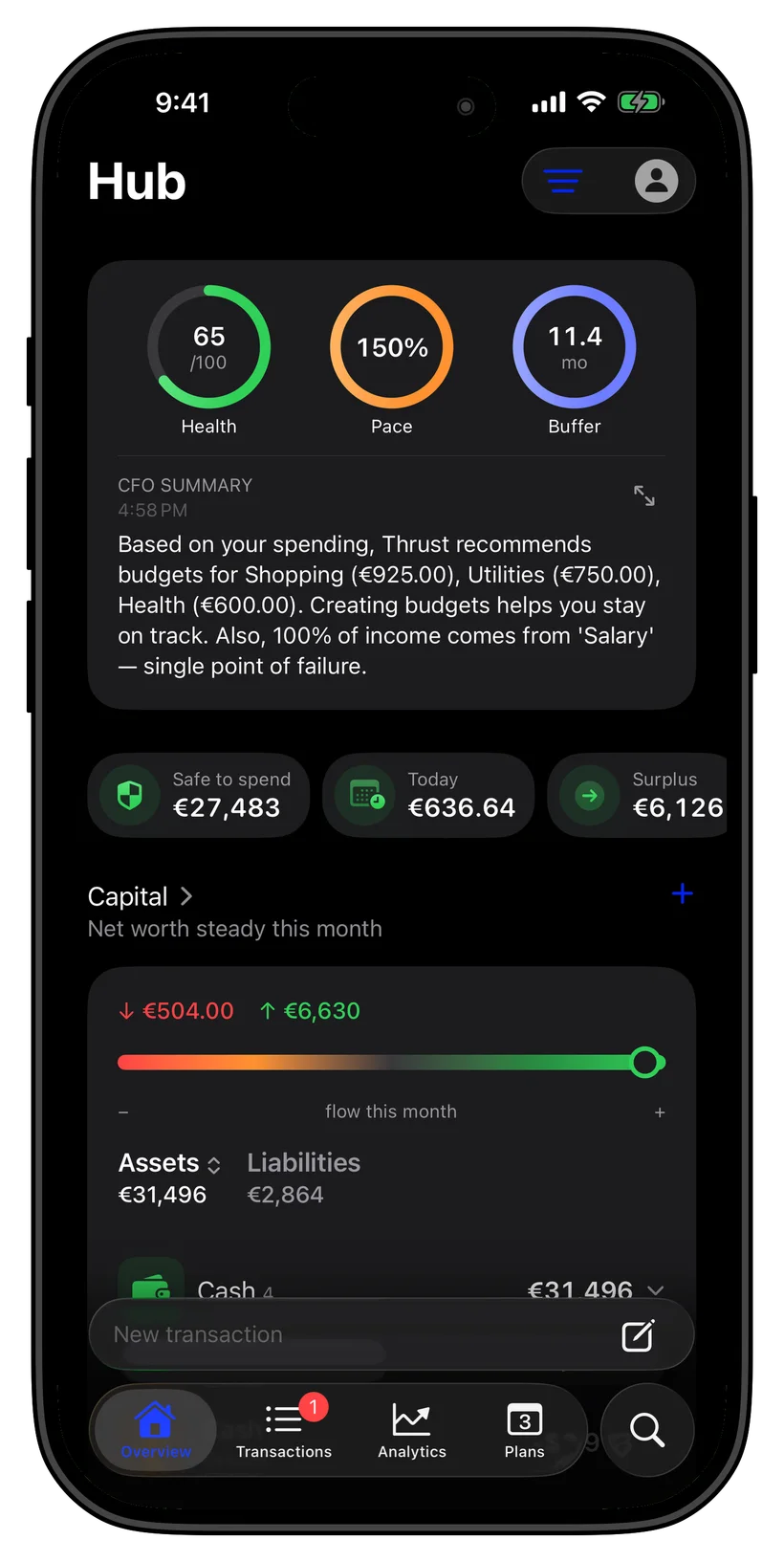
Subscriptions across currencies, in one viewSubscriptions across currencies, in one view

Subscriptions across currencies, in one view

Pay for one service in dollars, another in euros, a third in złoty? Thrust tracks subscriptions in 20+ currencies and converts them into your base currency automatically, so your real monthly total is finally honest — built for a multi-currency life across borders.

Start free, see what you are really payingStart free, see what you are really paying

Start free, see what you are really paying

Download free and start tracking right away — the free tier covers up to 5 accounts, 3 budgets, and 3 savings goals, with manual subscription entry included. Automatic detection of recurring charges and price-hike alerts are part of Thrust Pro, so the app pays attention to your bills even when you forget to.

Ask anything

Just ask, on your iPhone

What am I paying for in subscriptions every month?
Which subscriptions renew this week?
Did any of my subscriptions go up in price recently?
What could I cancel to save the most each month?

FAQ

Common questions

No. Thrust never asks for a bank login. You add transactions by importing a CSV or PDF statement, scanning a receipt, logging Apple Pay purchases, or entering them by hand — and Thrust finds the recurring charges from there, entirely on your device.

Thrust scans your own transaction history with on-device AI, recognizes charges that repeat on a regular cadence, and turns each one into a tracked subscription with its renewal date and amount. Automatic detection is a Thrust Pro feature; manual subscription tracking is free.

Yes. When a recurring charge comes in higher than before, Thrust flags the price change and updates the tracked amount to match, so a quiet increase does not slip past you. Price-hike alerts are part of Thrust Pro.

Financial records are kept locally on your iPhone. Optional sync uses your personal iCloud. Ghost Mode blocks network access, including iCloud sync.

Yes. Thrust supports 20+ currencies with automatic conversion, so subscriptions billed in different currencies all roll up into your base currency for an accurate monthly total.

Tracking subscriptions manually is free. The free tier includes up to 5 accounts, 3 budgets, and 3 savings goals. Automatic recurring-charge detection and price-hike alerts are included with Thrust Pro.