Savings goals
Set a goal, watch it grow
Save for a trip, a deposit, or a rainy-day fund and thrust tracks every goal — progress, target date, and what to set aside next — all on your iPhone, no account, no bank login.
iOS 26+ · Free to download
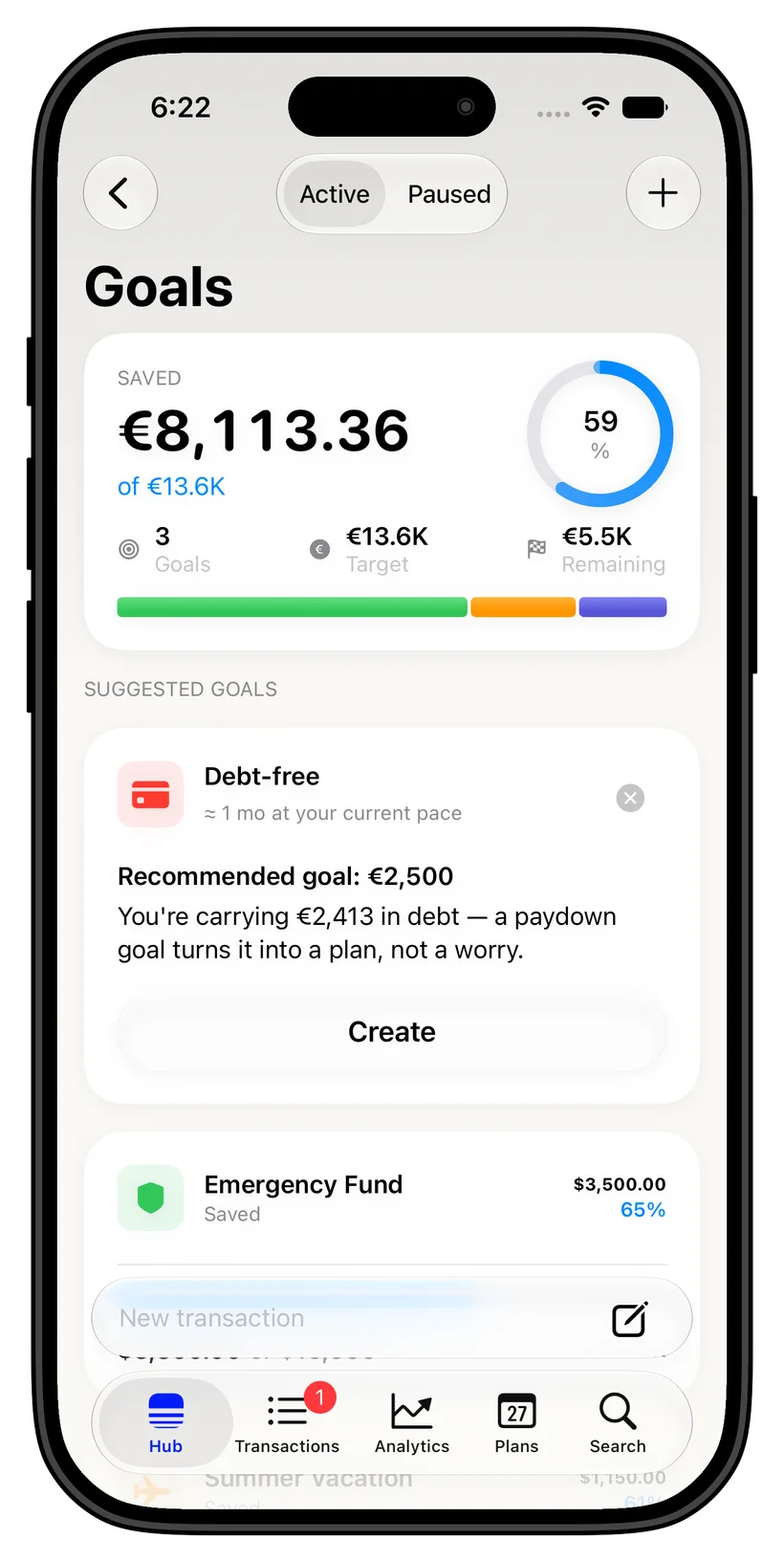
A goal for everything you are saving toward
Create a goal for each thing that matters, from an emergency fund to a move abroad. Set money aside right where it already sits: nothing is transferred, several goals can share one savings account, and the rest stays free.
Know if you will make it
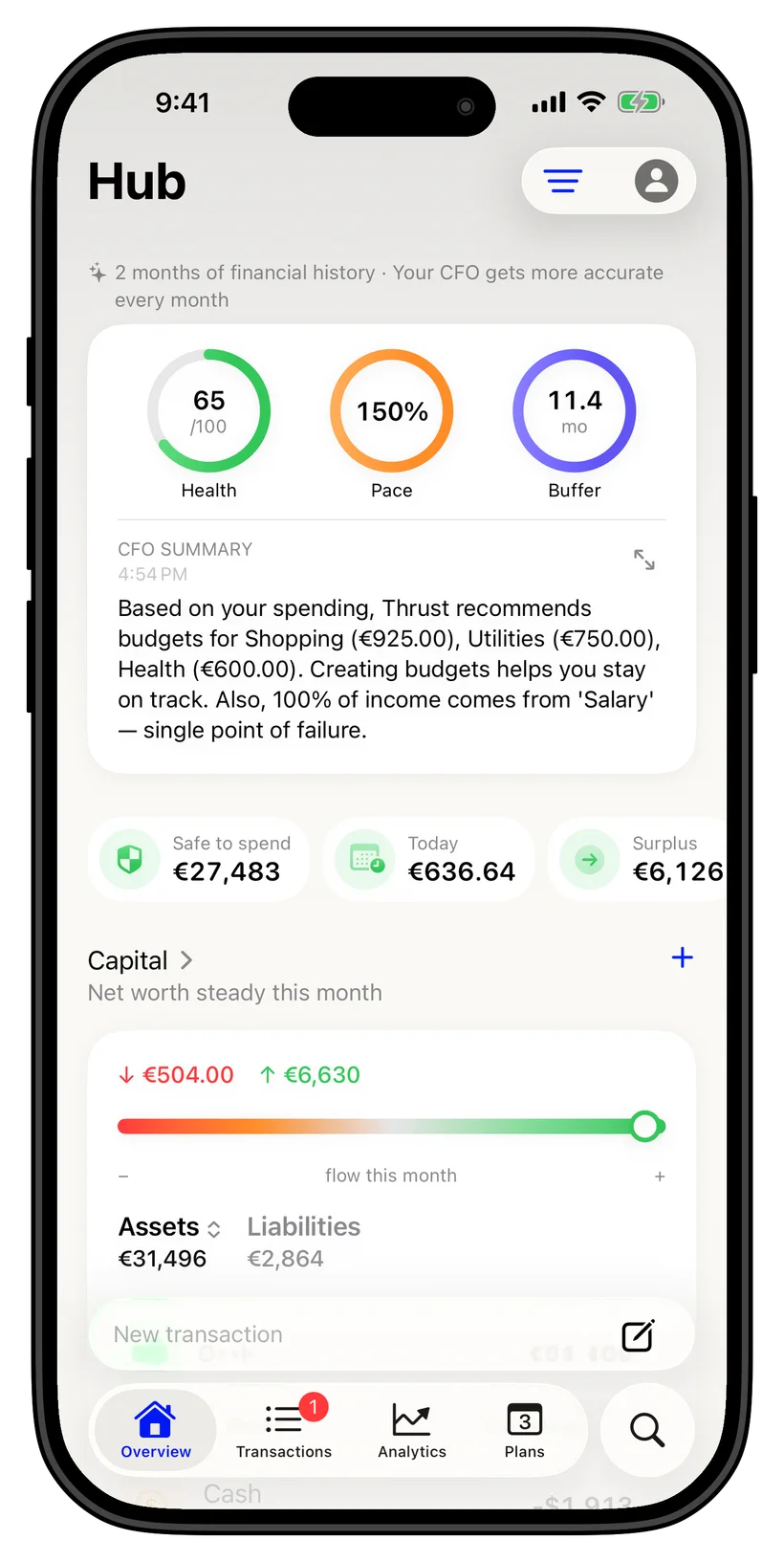
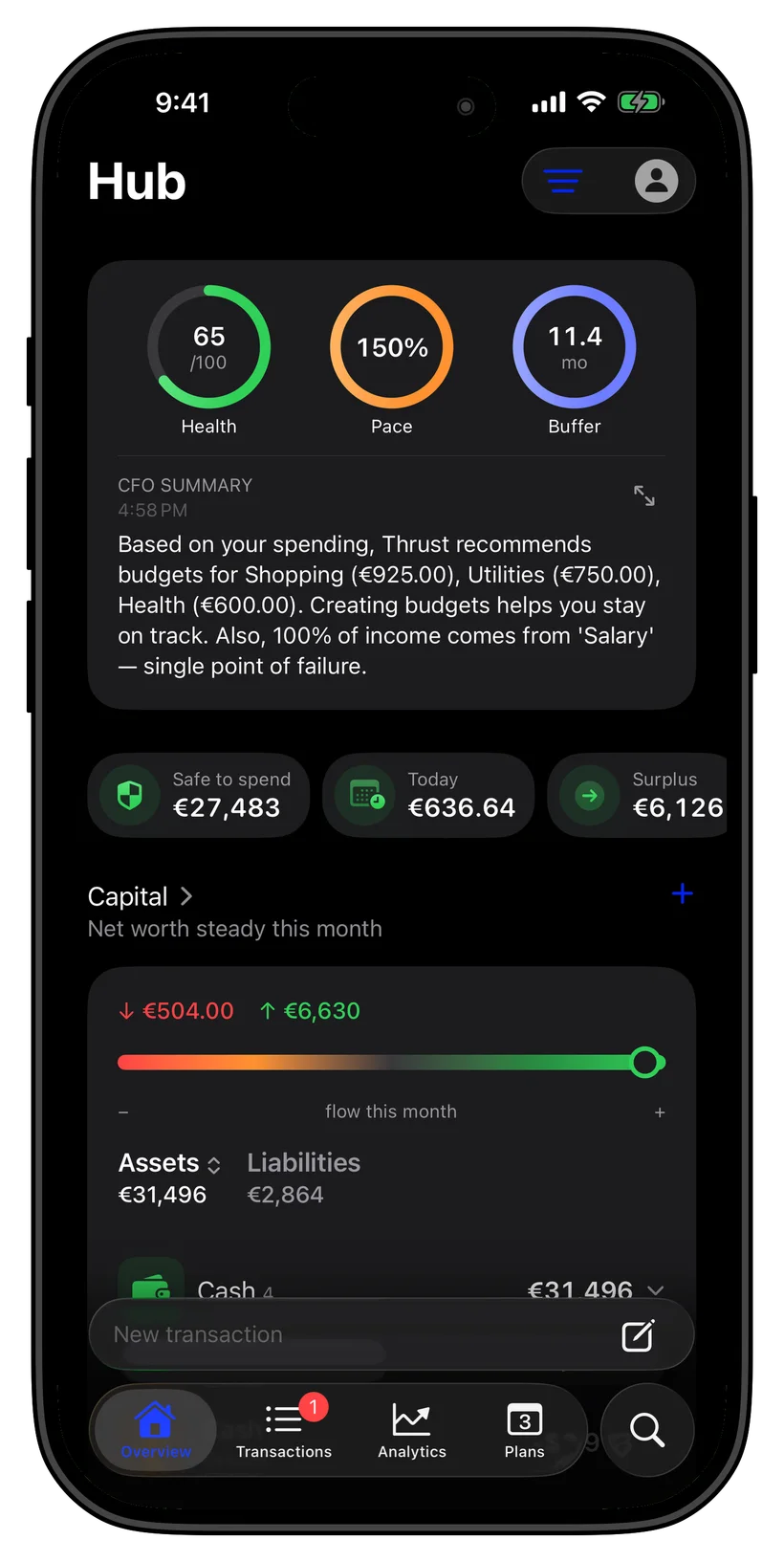
Each goal compares what is set aside with a steady plan to its deadline. It either says you are on track for the deadline or tells you how much a month it takes to make it.
Save across currencies
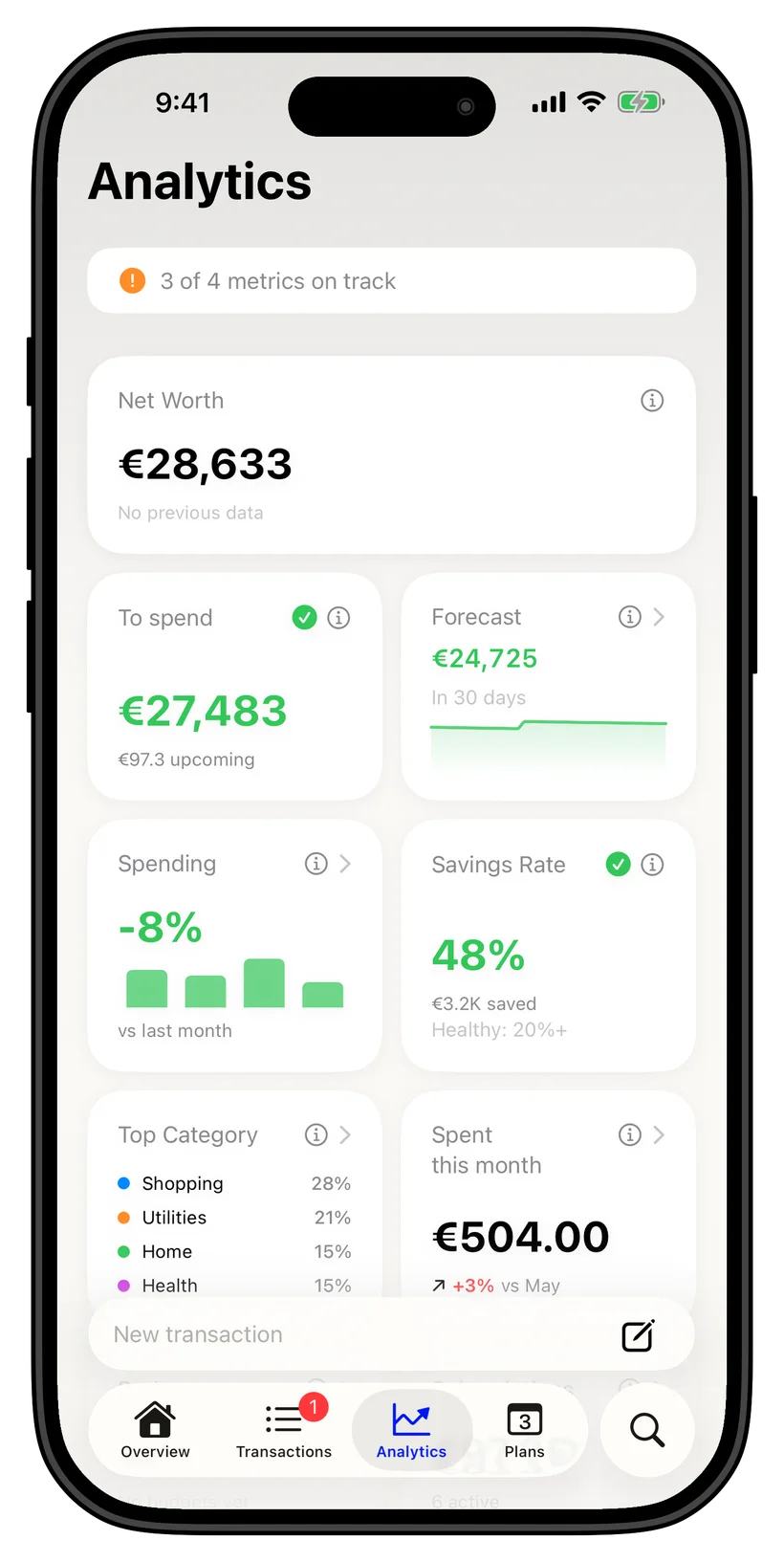
Saving in more than one currency? thrust tracks goals in 20+ currencies and converts to your base currency, so a goal funded from different accounts still adds up honestly — built for a multi-currency life.
Private and free to start
Financial records are kept locally on your iPhone. Optional sync uses your personal iCloud. Ghost Mode blocks network access, including iCloud sync.
Ask anything
Just ask, on your iPhone
FAQ
Common questions
How does thrust track savings goals?
Set a target amount and an optional deadline, then set money aside for the goal on the account where it is kept. Nothing is transferred and no transaction is created. thrust shows progress and whether you are on track, all calculated on your device.
Can thrust tell me when I will reach a goal?
Yes. With a deadline, each goal shows "On track for the deadline" or how much a month it takes to make it. Without a deadline, you see the percentage set aside.
How many savings goals can I set for free?
The free tier includes up to 3 savings goals, along with 5 accounts and 3 budgets. thrust Pro raises these limits.
Do goals work in multiple currencies?
Yes. thrust supports 20+ currencies and converts goal progress into your base currency, so goals funded across countries stay accurate.
Is my savings data private?
Financial records are kept locally on your iPhone. Optional sync uses your personal iCloud. Ghost Mode blocks network access, including iCloud sync.